Stem Splitter

Library

Your recent creations and history

Log in to view your history

Remove Vocals or Split Any Song into Stems

Remove vocals for karaoke and backing tracks, or split a song into vocals, drums, bass, guitar, and more. Upload MP3, WAV, or FLAC and download the stems you need for remixes, edits, or practice.

AI Vocal Remover Features

Focused on the four things that matter most: speed, quality, stem options, and a reliable workflow.

Fast Online Processing (No Install)

Everything runs online with no install: sign in to start a free trial, upload a track, preview the separation, and download the stems you need for karaoke making, remixing, sampling, or content creation. Processing time varies by length and server load, but most tracks finish quickly enough for real editing sessions.

Fast online processing indicator with lightning icon

High-Fidelity Vocal & Instrumental Separation

AI analyzes your audio and separates it into usable vocal and instrumental parts. Designed to preserve the overall mix, it works best with clean sources; lossless WAV/FLAC files usually produce cleaner separation than low-bitrate MP3.

Audio spectrum analyzer showing separated frequency bands

Multi-Format Support (MP3, WAV, FLAC + More)

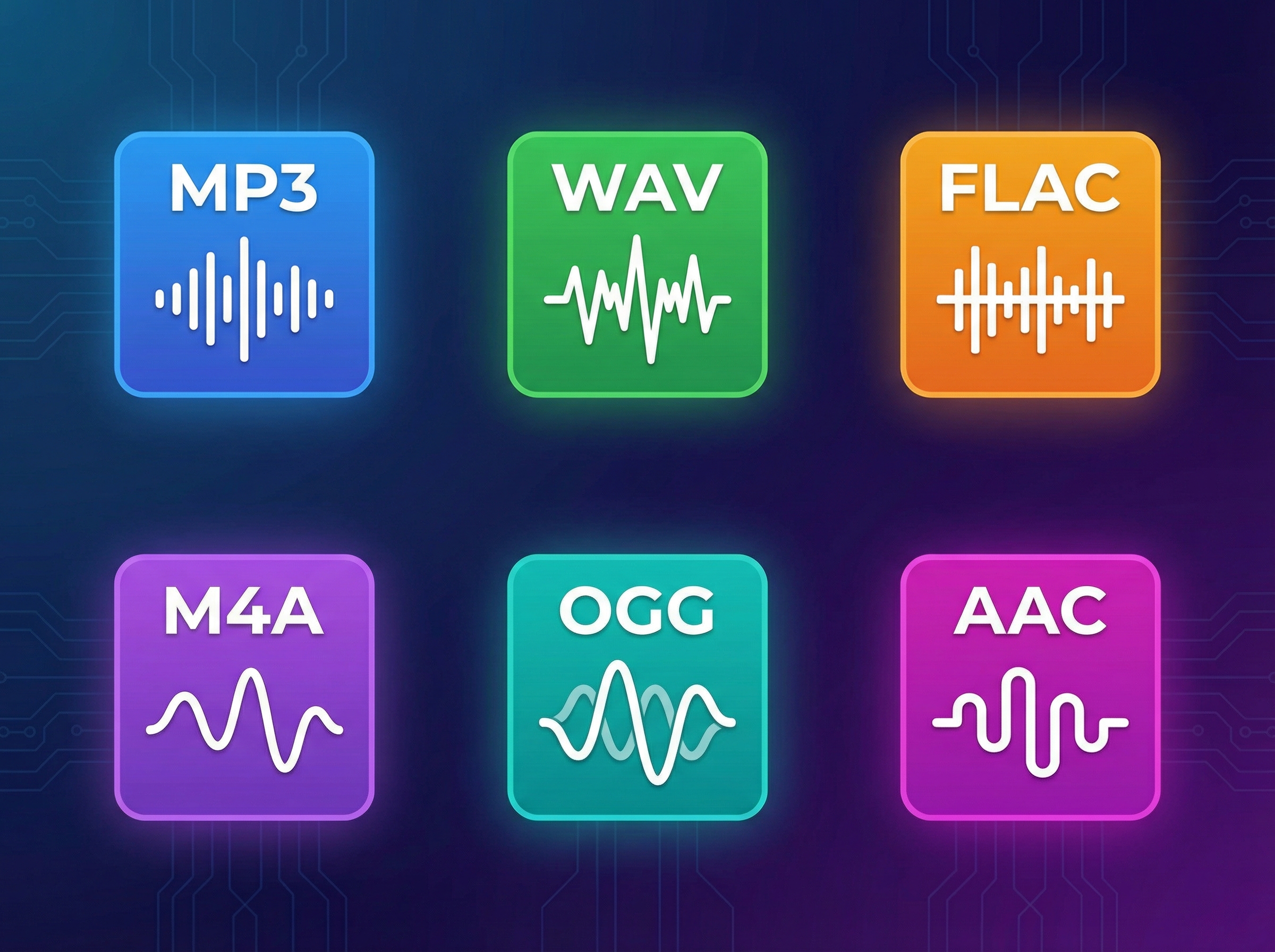
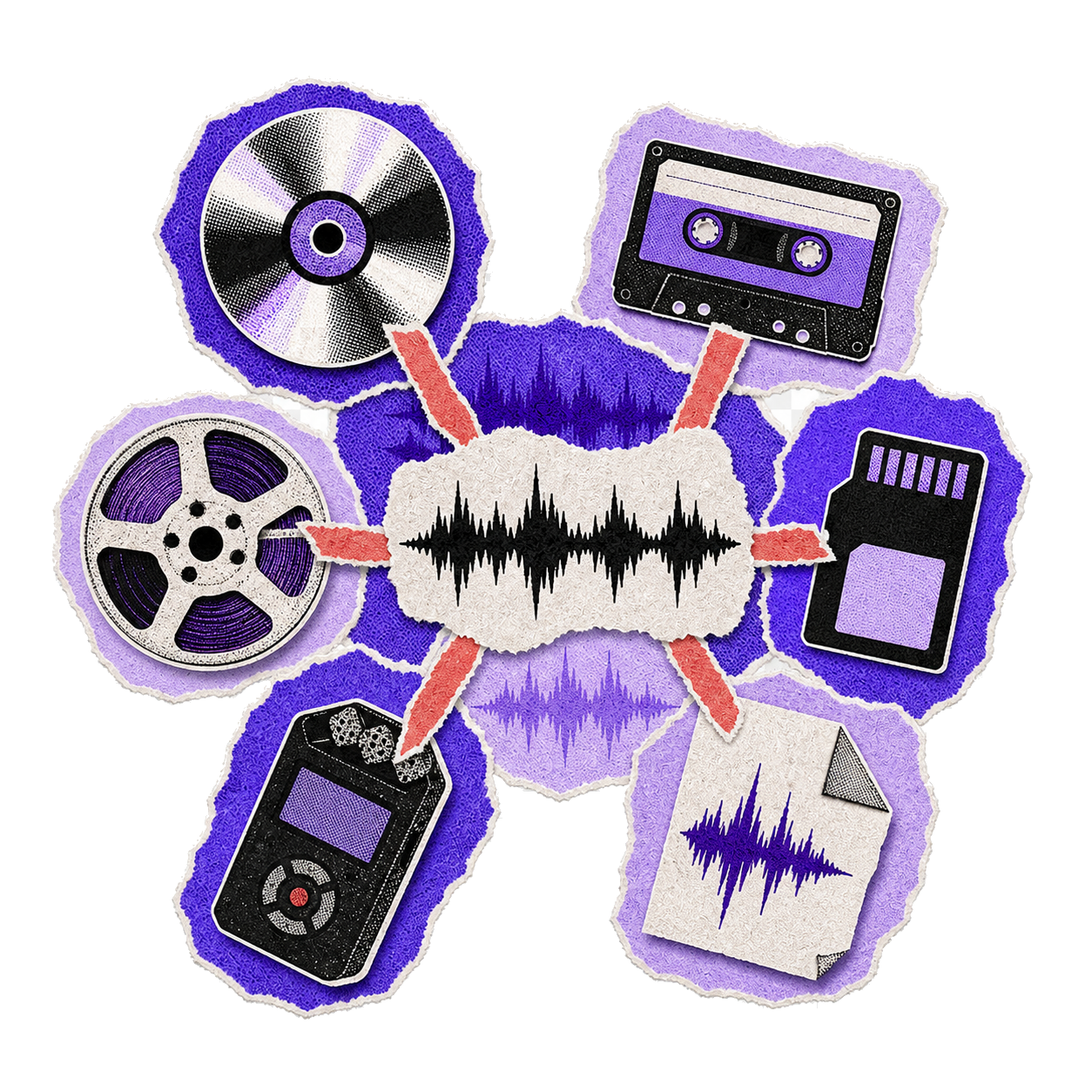
Upload MP3, WAV, FLAC, M4A, OGG, or AAC. Use lossless formats when possible for cleaner isolation and fewer compression artifacts.

Multi-Stem Splitting + Retry + Success-Only Credits

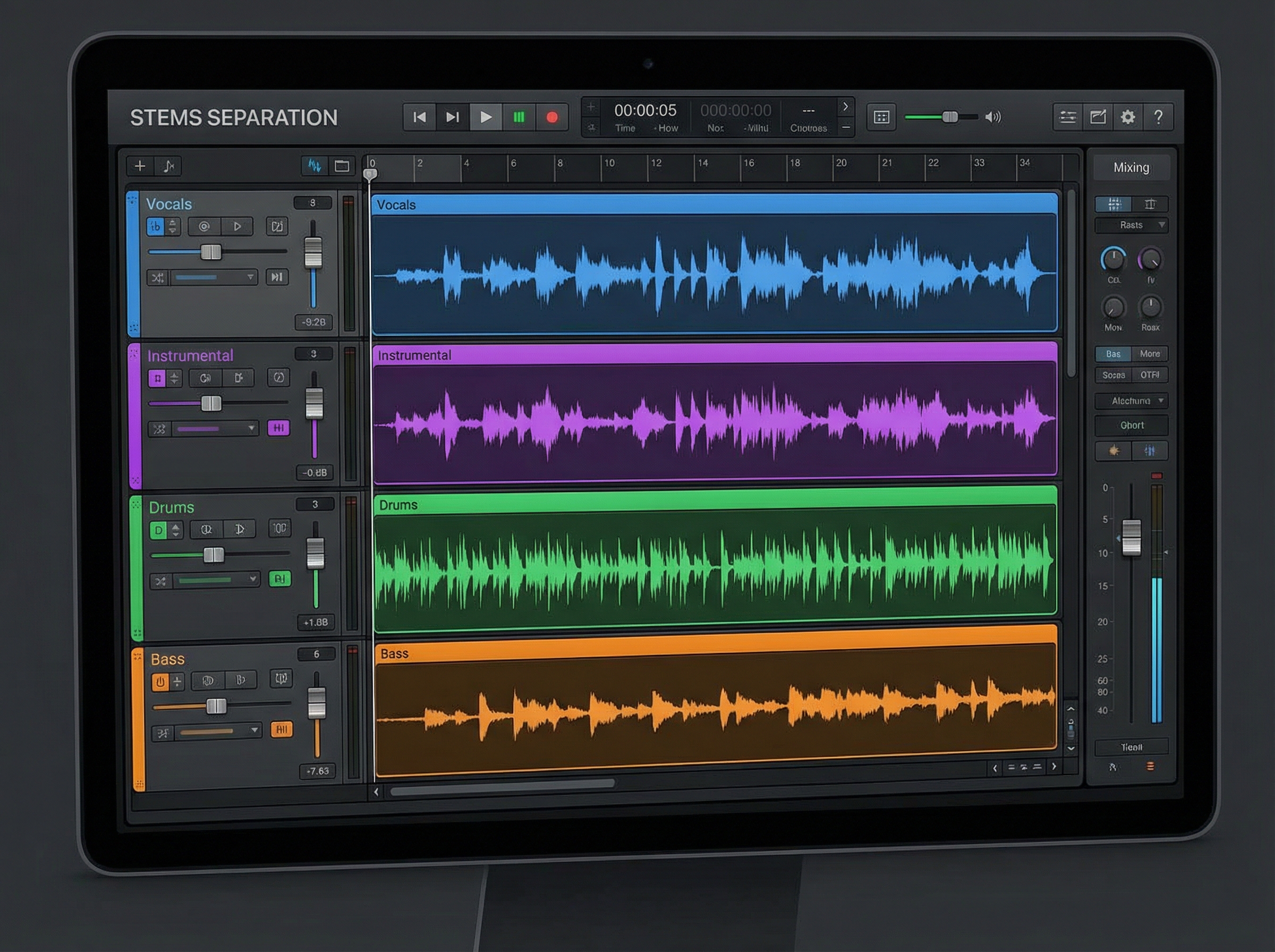
Beyond vocals/instrumental, supported plans can split additional stems (drums, bass, other) for production workflows. Preview and download the parts you need; if a job fails, you can retry. Credits are only deducted after a successful export—so you don’t pay for failed attempts.

Why Choose MemoTune's AI Vocal Remover?

MemoTune focuses on usable outputs, clear workflow rules, and stem options that fit real creator needs.

Preview Before Exporting

Preview isolated vocal and instrumental stems before using credits.

Vocals, Instrumental & Stems

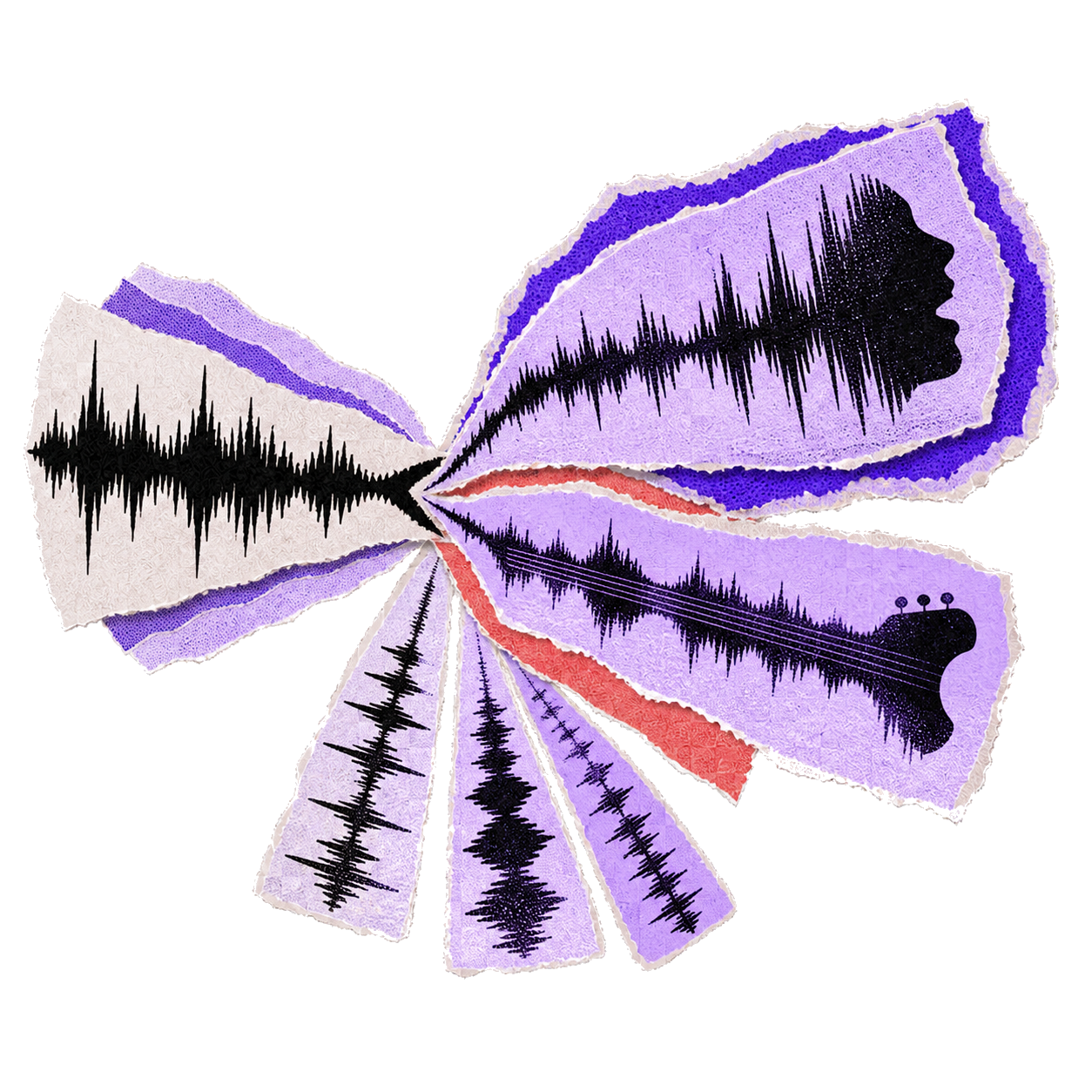
Split tracks into vocals, drums, bass, and backing instruments.

Credits Deducted Only on Success

Pay only for completed, successful audio separations.

Wide Format Support

Supports MP3, WAV, FLAC, M4A, OGG, and AAC up to 100MB.

How to Use AI Vocal Remover

1. Sign In and Upload Your Audio

Sign in to start the free trial, then drag and drop your song or click to browse. Supports MP3, WAV, FLAC, M4A, OGG, and AAC formats. Maximum file size: 100MB. For longer files, trim to the section you need before uploading.

2. Separate Vocals, Instrumental, or Multiple Stems

MemoTune splits your track into stems (vocals + instrumental by default; multi-stem options like drums/bass/other are available on supported plans). Processing time varies by file length and load, and you can retry if a job fails.

3. Preview, Export, and Download

Preview each stem, then export what you need: isolate vocals (acapella), instrumental (vocals removed), or additional stems. Credits are only deducted after a successful export—failed jobs and retries won’t charge you.

AI Vocal Remover Use Cases

Real ways creators use vocal removal, vocal isolation, and stem splitting—without relying on hard-to-find official instrumentals or acapellas.

Karaoke Maker (Instrumental Tracks)

Turn a song into a karaoke-ready instrumental by removing vocals. Upload a track, preview the instrumental stem, and export a version you can sing over. Results vary by song mix—clean masters usually produce cleaner karaoke tracks.

Remixes, Mashups, and DJ Prep

Extract vocals (acapella) to layer on new beats, or use instrumentals for transitions and edits. For deeper control, multi-stem splitting (e.g., drums/bass/other) helps you build cleaner mashups and tighter live edits.

Background Music for Video and Podcasts

Remove vocals from a song to create a cleaner music bed under narration. Instrumental stems can reduce lyrical distraction during voiceovers, intros, and transitions—especially when you choose a section with lighter vocals and fewer effects.

Layered portrait collage of a music creator

What Users Say About AI Vocal Remover

Creators, DJs, and educators use MemoTune to separate vocals for real projects—here's their feedback.

I can pull a usable vocal stem quickly for edits and remix drafts. Previewing before export saves time.

Ronald SpongbergDJ / Producer

Start Removing Vocals (Sign In to Try)

Sign in to start your free trial, upload a song, preview the stems, and export only when you're happy. Retry failures, and credits are deducted only after successful export.

Frequently Asked Questions

Common questions about formats, quality, copyright, privacy, retries, credits, and how vocal removal works.

Contact

You can upload MP3, WAV, FLAC, M4A, OGG, or AAC. Maximum file size is 100MB. For the cleanest vocal isolation and fewer artifacts, start with WAV or FLAC when available—MP3 works, but compression can reduce separation quality.