Mood-Aware Music Mapping
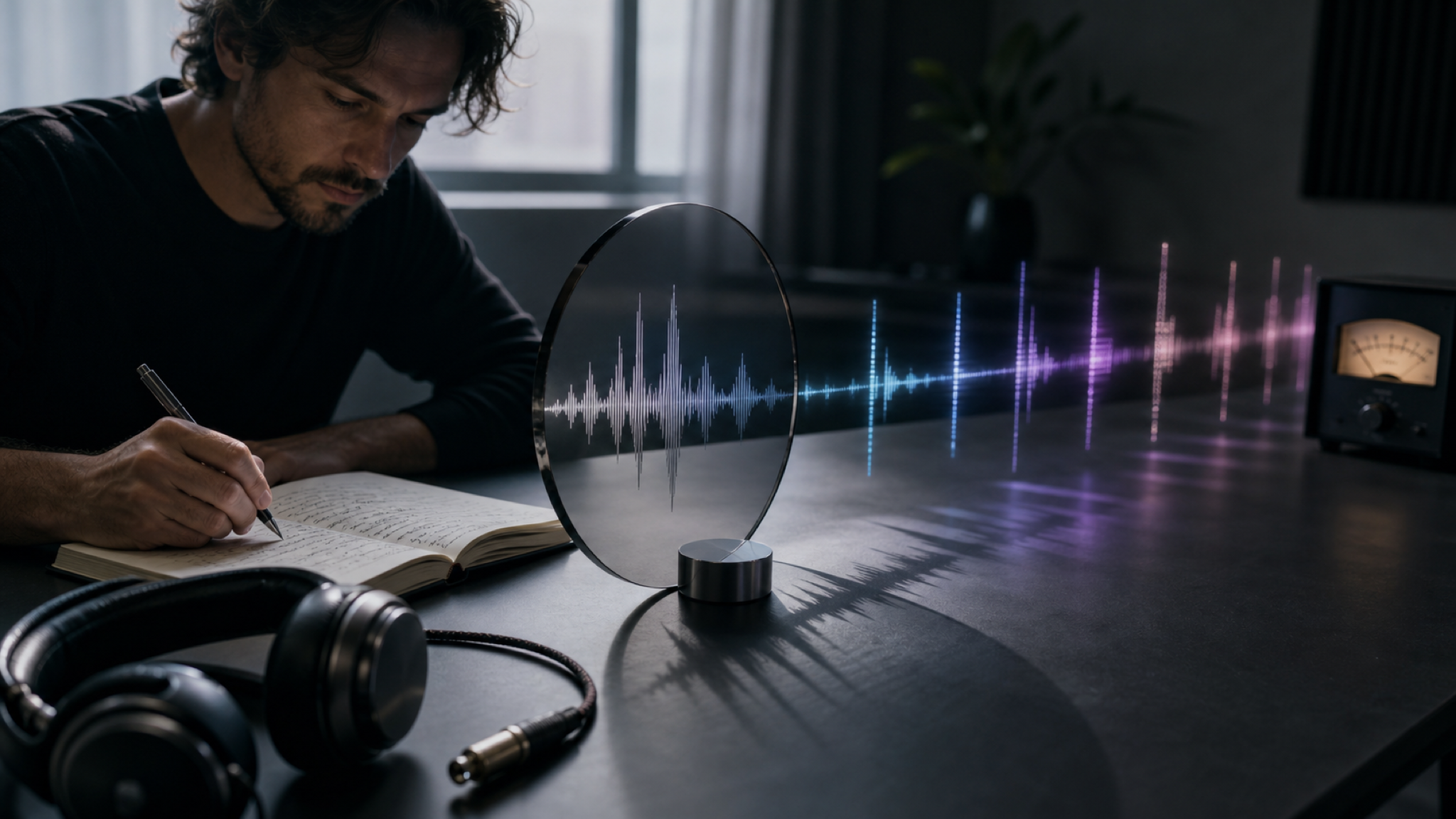
MemoTune interprets color, contrast, and scene energy to create a track that feels aligned with the image. Great when you need AI to create sound based on photo vibe for a reel or short video.
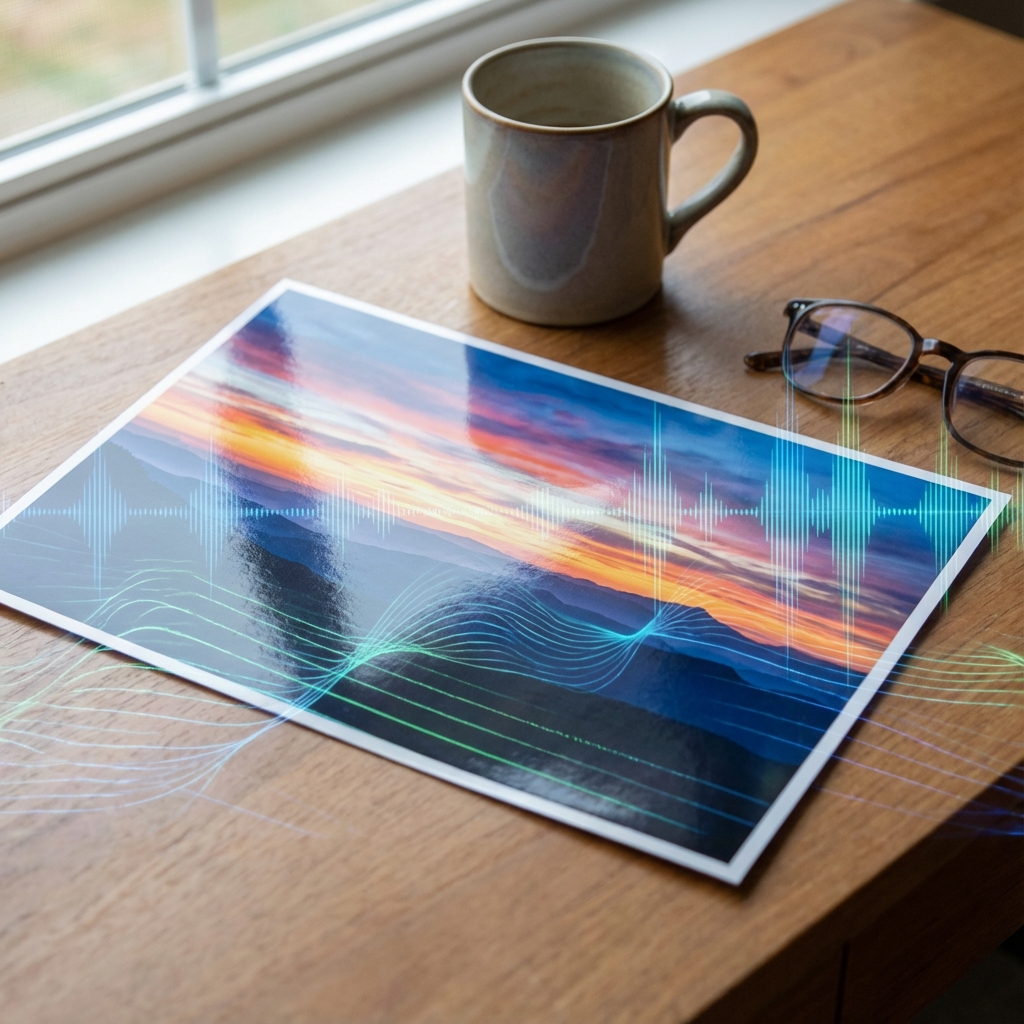
Transform photos and artwork into matching soundtracks in minutes. AI reads visual aesthetic, mood, and color to compose original music.
Everything you need in MemoTune to turn a picture into a track you can actually use—without extra software or complicated steps.
MemoTune interprets color, contrast, and scene energy to create a track that feels aligned with the image. Great when you need AI to create sound based on photo vibe for a reel or short video.
Choose genre, mood, and intensity in MemoTune to avoid random results. You get a practical way to guide your images to music output without needing music theory.
Generate multiple options quickly in MemoTune until one matches your visual. This is ideal when you need to add sound to image with AI for different edits or platform versions.
Preview in-browser on MemoTune and download a clean audio file for editing workflows. Use the result as background music, an intro sting, or a loop for prototypes and demos.
Most tools either feel random or require too many steps. MemoTune is built for quick wins: predictable controls, fast iterations, and usable output.
Translate visual moods, colors, and compositions into original music.
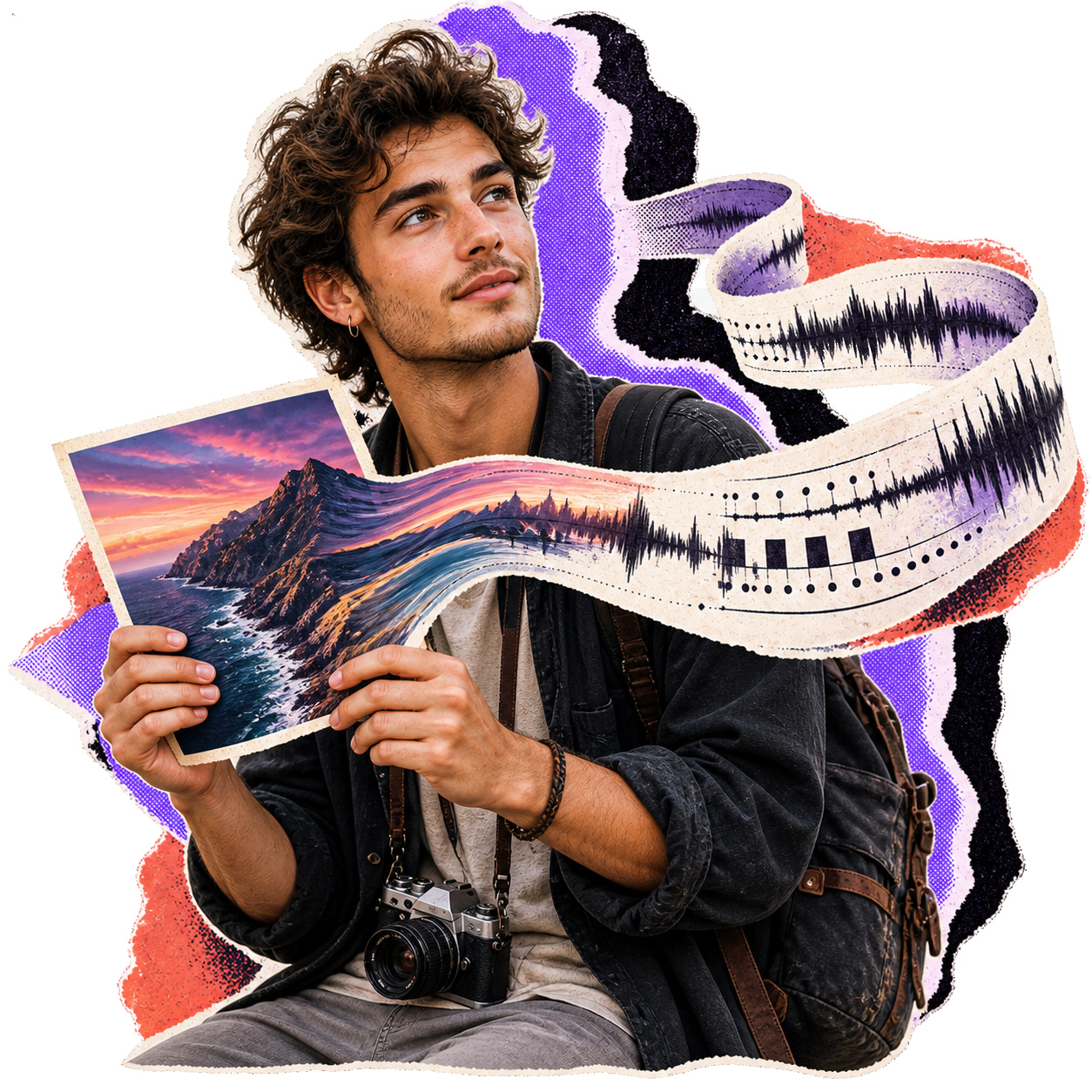
Steer musical output with genre, tempo, and mood tags.
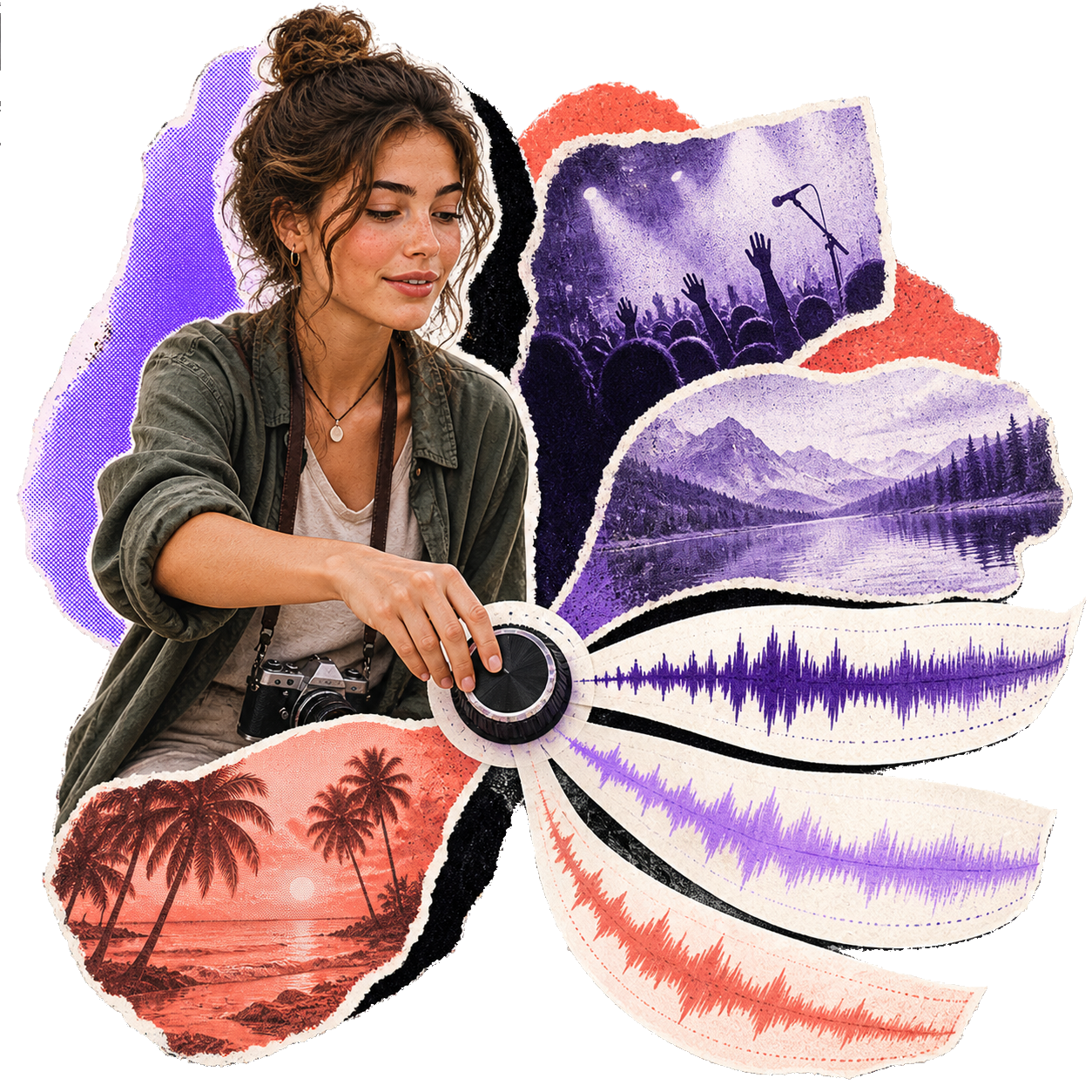
Go from image upload to finished track in 2–5 minutes.
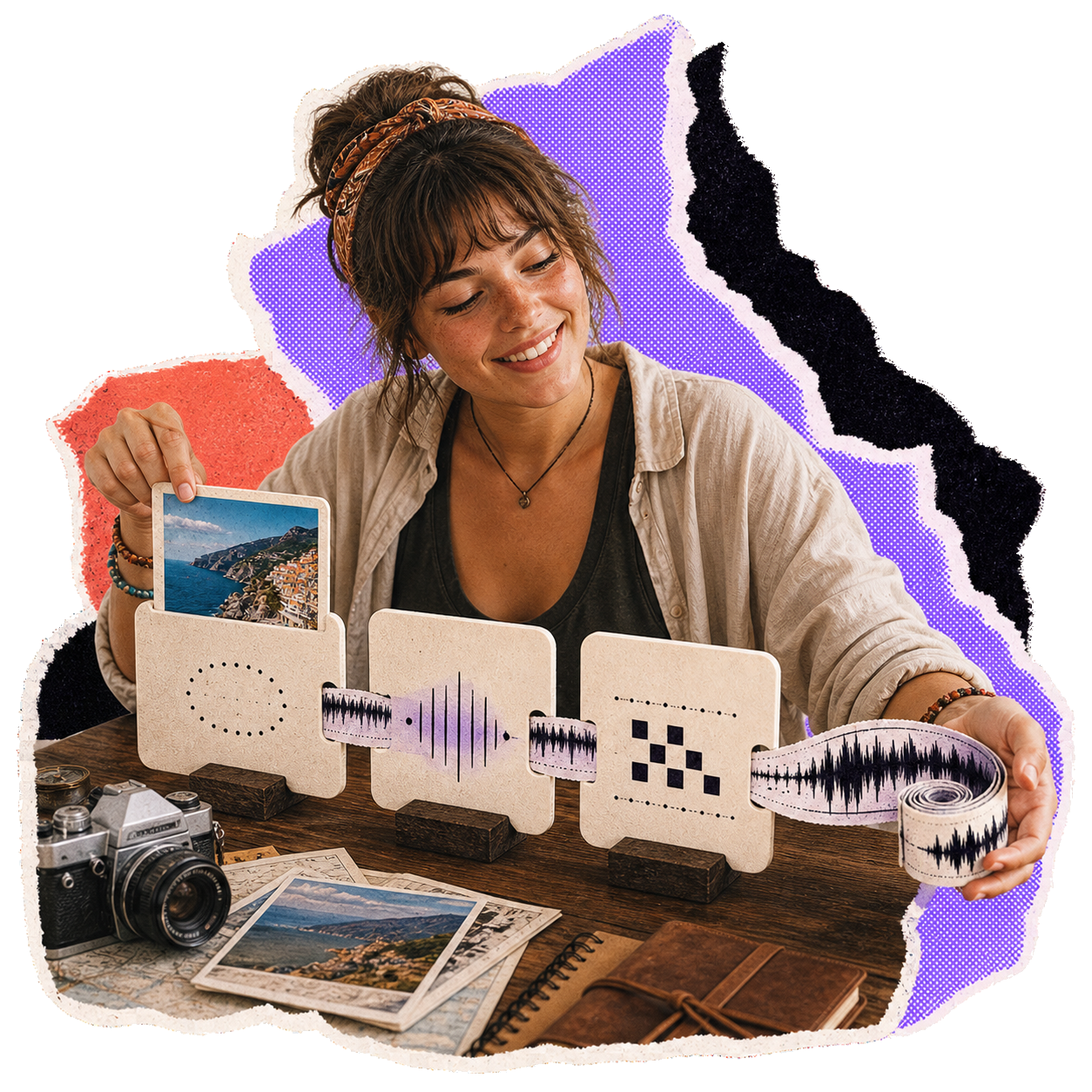
Download high-resolution audio files with full commercial rights on Premium.
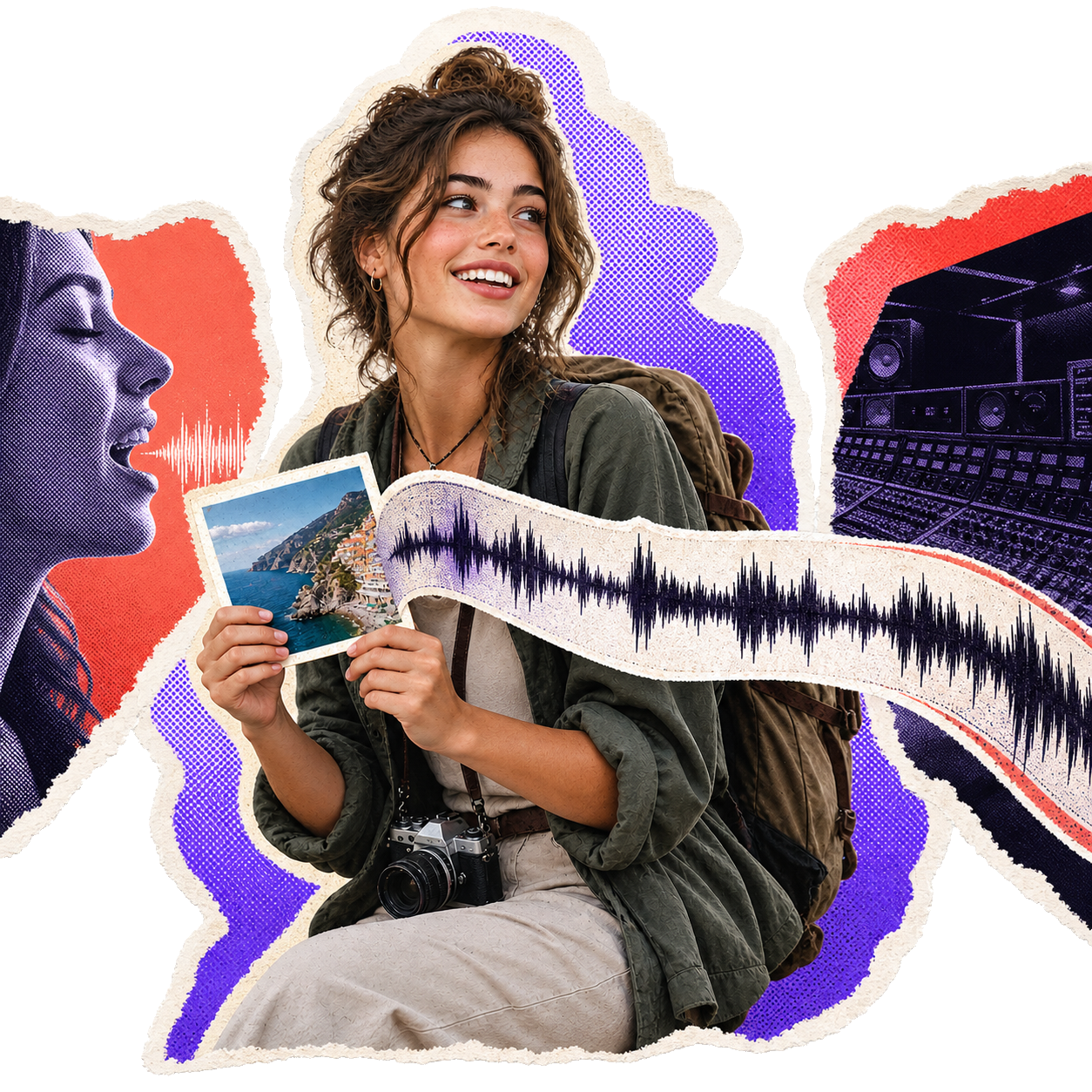
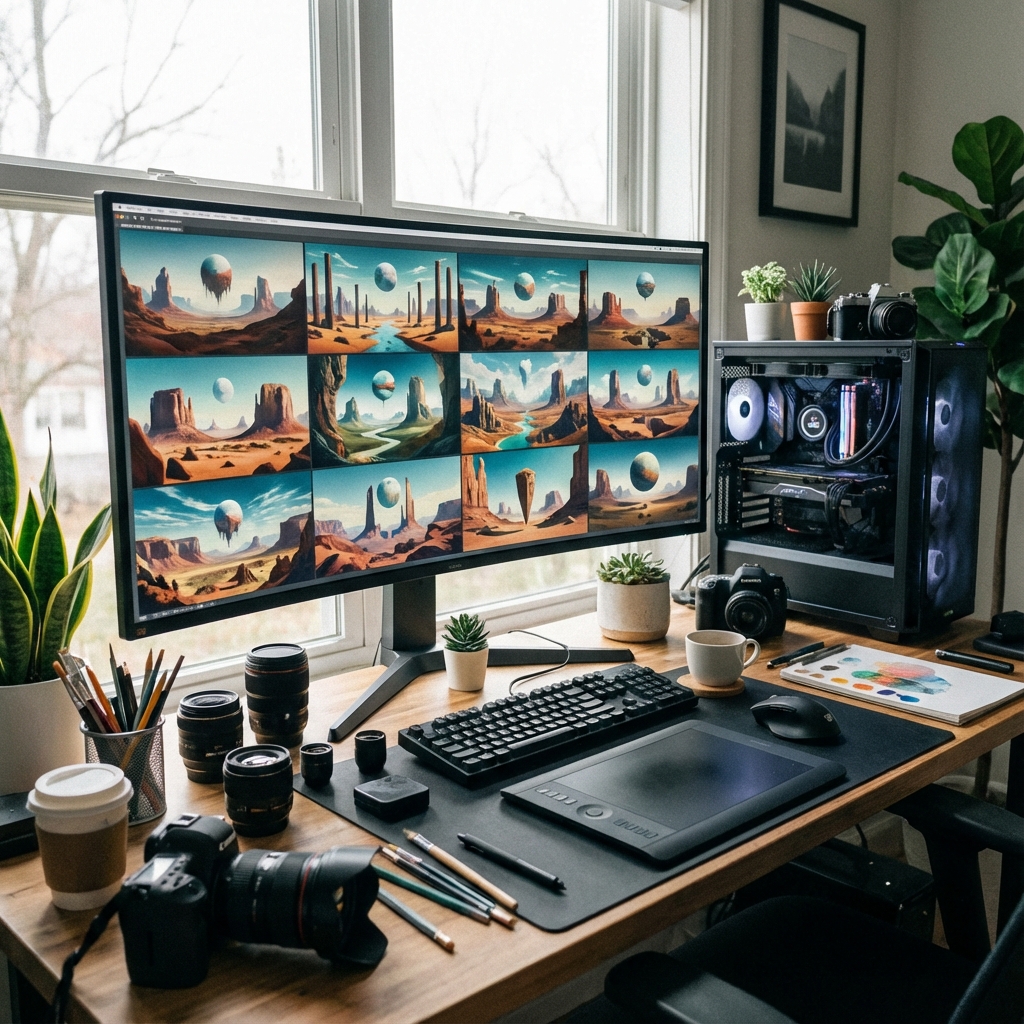
Choose a photo, illustration, screenshot, or cover art (JPG/PNG/WebP). MemoTune reads the overall mood and visual structure so you can use an image to generate music that fits the scene.
Pick a genre, mood, or intensity (e.g., cinematic, lo-fi, upbeat, ambient). Add a short hint like "nostalgic night city" to steer the result in MemoTune without doing manual music production.
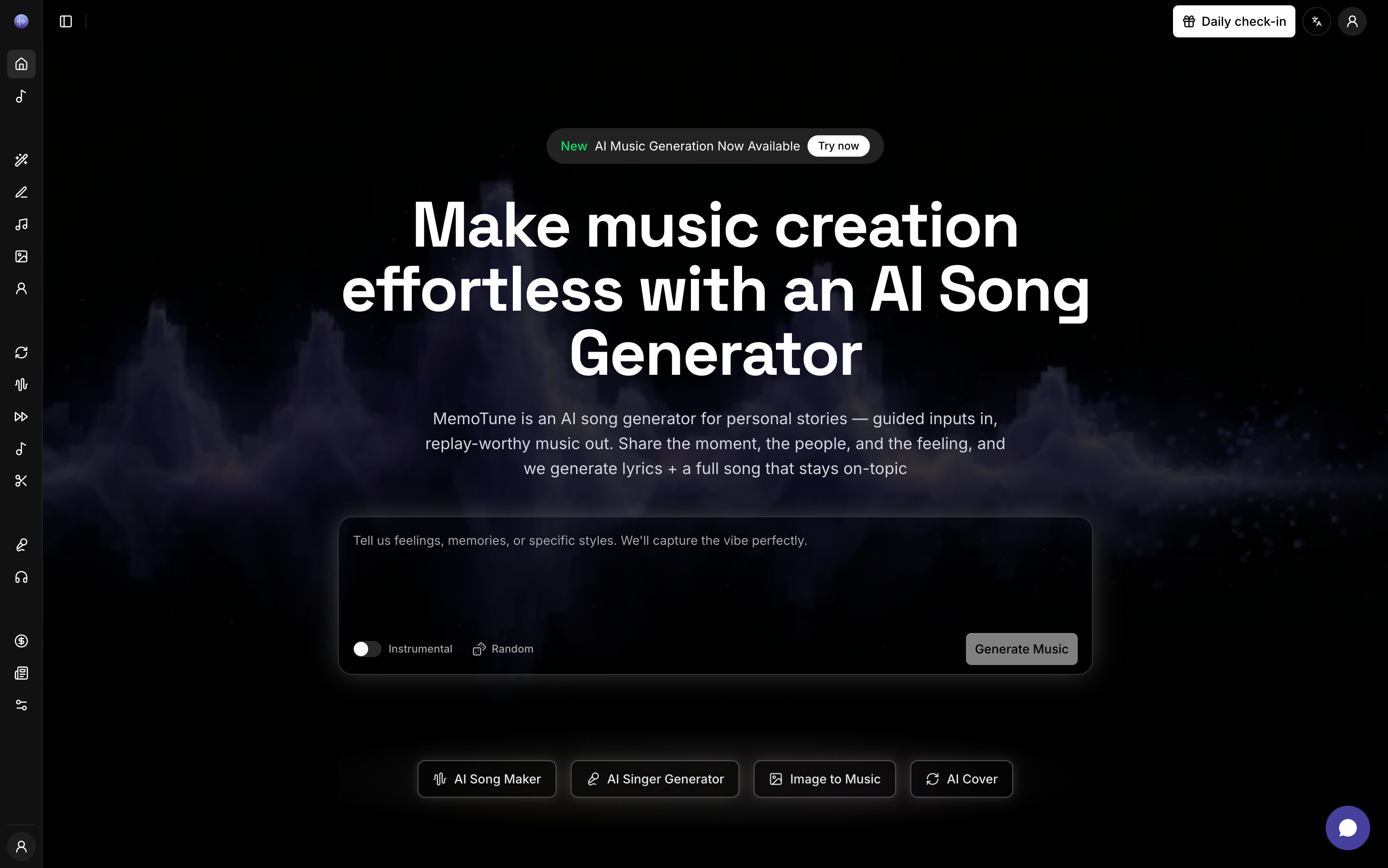
Click generate to create your track from the image in MemoTune. Preview instantly, regenerate if needed, then download and drop it into your video, reel, podcast intro, or game prototype.
Use these related tools, styles, and scenes to put the ideas in this guide into practice.
Generate personalized song gifts with AI — write your story in lyrics, pick a voice and style, and produce a custom song for any special occasion in seconds.
SceneGenerate custom songs with names, memories, lyrics, vocals, and styles tailored to the person, occasion, and story you want to capture.
Scene Style
StyleAI-powered ambient music generator that creates immersive soundscapes across dark ambient, space ambient, drone, chillout, nature ambient, and new age subgenres.
Whether you're making content, telling a story, or just experimenting, MemoTune image to music turns visuals into usable sound in minutes.
YouTubers, TikTok creators, and editors use MemoTune image to music to score a thumbnail, keyframe, or poster. It's the fastest way to create background audio that matches the visual tone without hunting stock tracks.
Turn a meaningful photo into a personal track with MemoTune—weddings, birthdays, travel moments, and family portraits. This photo to music flow creates a soundtrack you can share alongside the image as a small digital gift.
Artists and producers use MemoTune picture to song AI to break creative blocks: upload concept art, album artwork, or moodboard images and generate a starting point you can remix into a full composition.
Creators use MemoTune image to music to move faster—less searching, less editing, more publishing.
“I scored a travel reel from a single keyframe on MemoTune. Two regenerations later, I had a track that matched the vibe perfectly.”
 Rain McnuggetYouTube video editor
Upload a photo on MemoTune, generate a track, and download your result. Low risk: you can preview and regenerate until it fits your vibe.
Formats, workflow, expectations, and common 'is it this other thing?' questions—answered directly.
Image to music analyzes a picture and generates a matching music track. In MemoTune, you upload an image (photo or artwork) and download an audio file you can use as background music, an intro, or a loop depending on your settings.