Section Replacer

Replace Any Section of a Song with AI

Regenerate any section of your song with AI inpainting. Fix lyrics, swap instruments, or redo a verse without rebuilding the entire track.

Replace Section Features

MemoTune Replace Section gives you surgical control over which part of your song changes, with smooth transitions and multiple output options.

Dual Selection Methods

Choose your editing approach: highlight lyrics in the synced text panel for word-level precision, or drag a range on the waveform for time-based selection. Both methods give you frame-level control and work together—select by lyrics and fine-tune the boundary on the timeline.
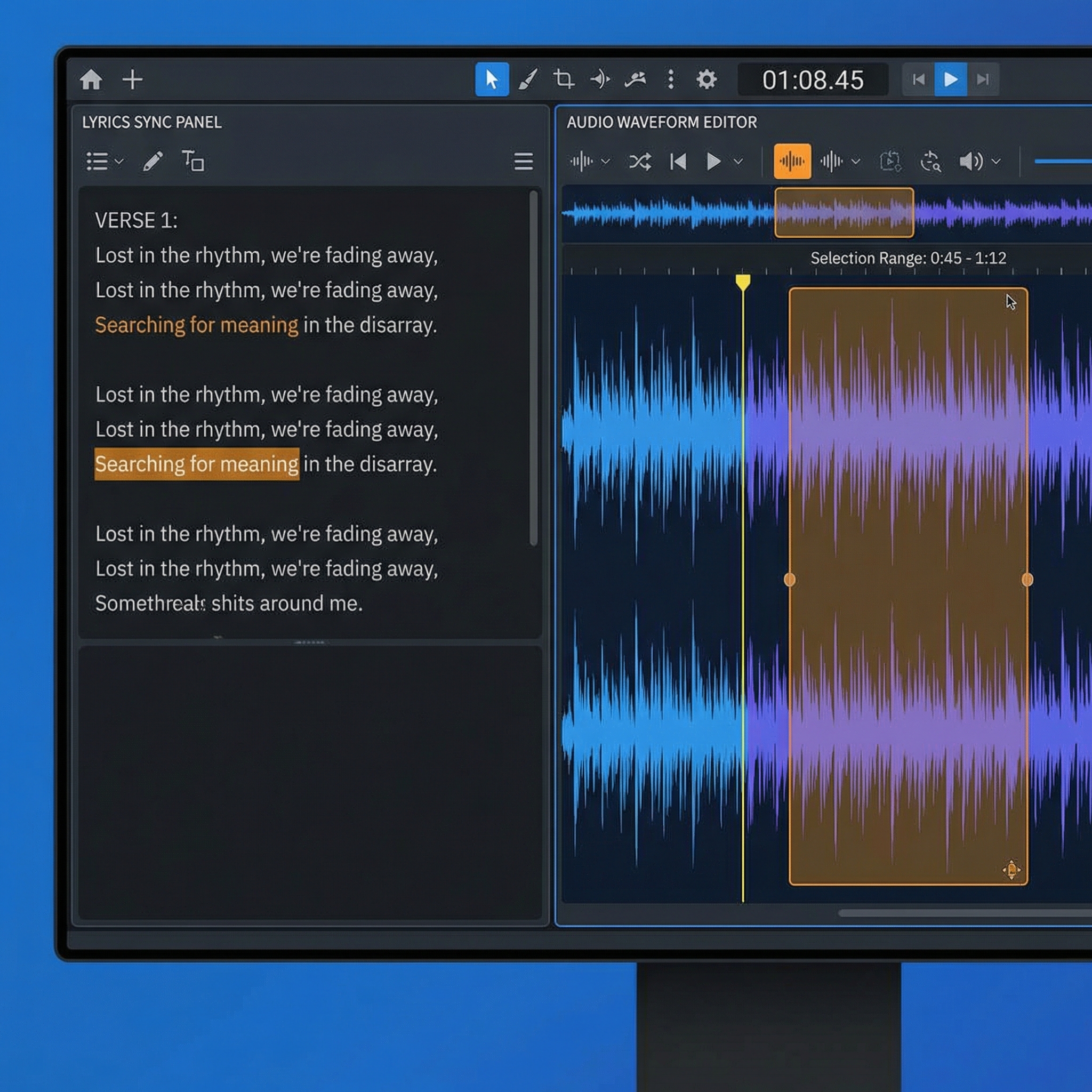
Interface showing both lyric panel and waveform selection tools

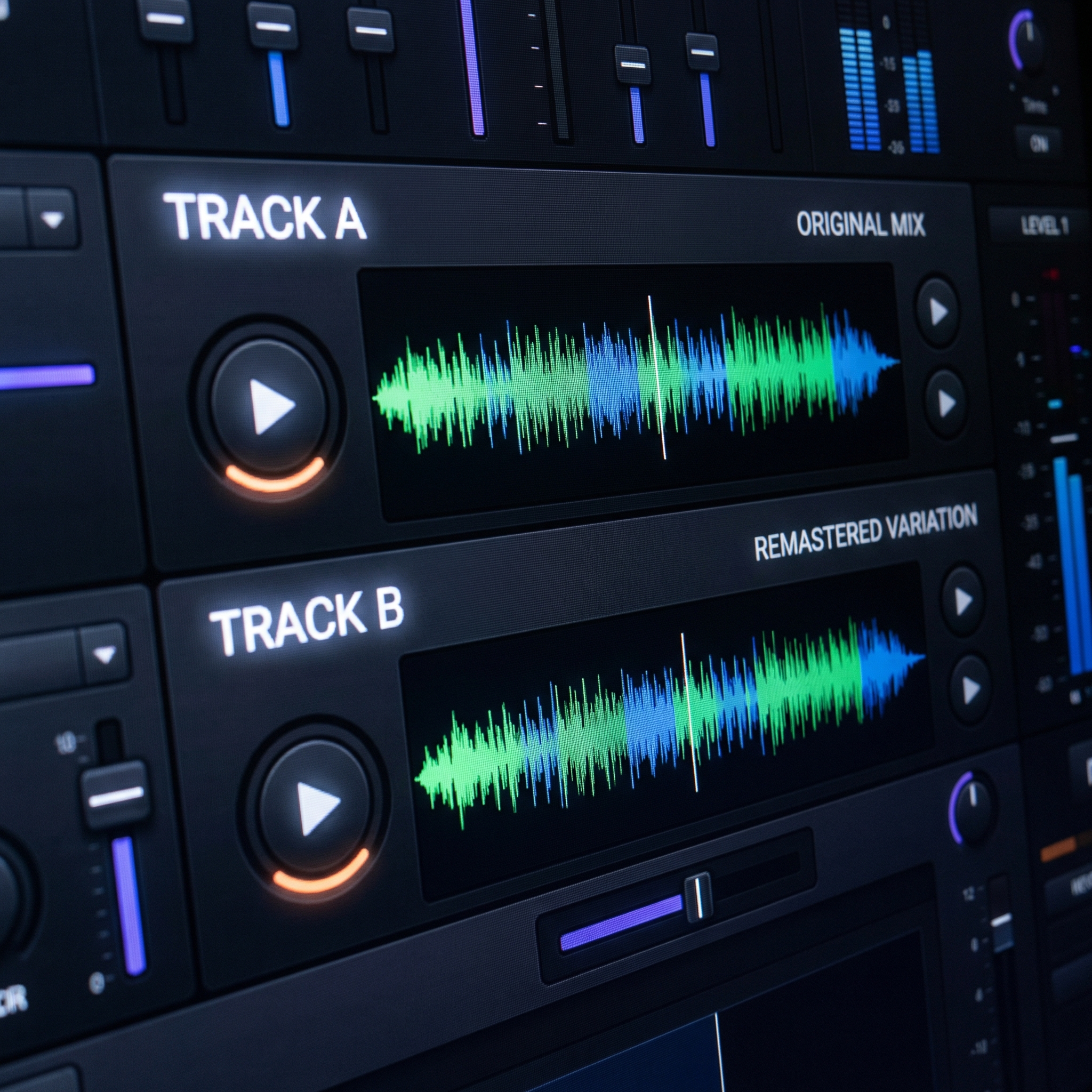
Two Variations Per Edit

Each replacement generates two distinct variations. Compare how different melodic choices or vocal inflections sound against the rest of your track. Pick the version that fits, or regenerate with adjusted instructions if neither is right.

Audio player showing two generated variations side by side

Context-Aware Transitions

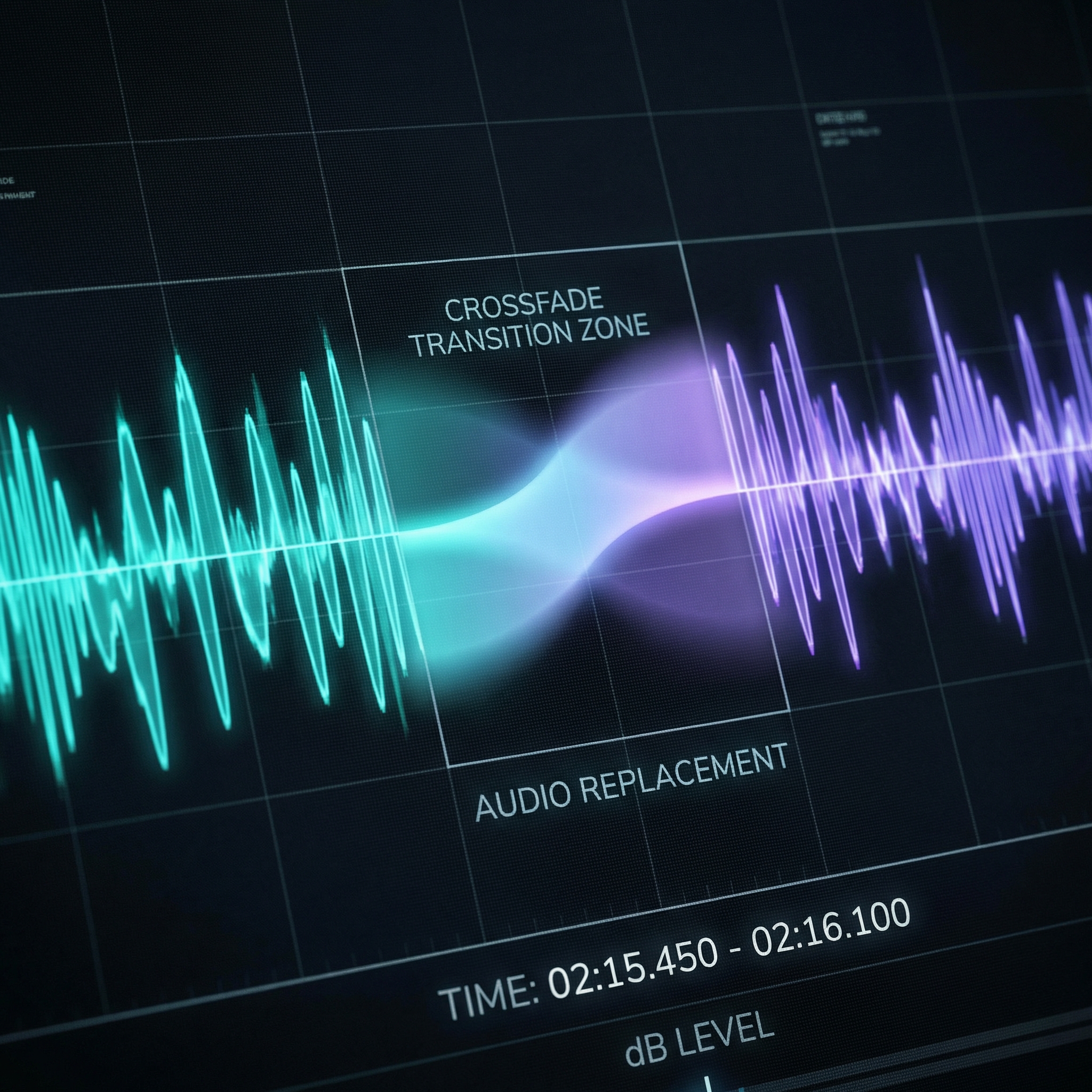
The AI analyzes audio on both sides of the selected region before generating. Replacements match the key, tempo, energy, and production style of the surrounding context. Crossfading handles the seams—no audible jumps where the edit begins or ends.

Non-Destructive Editing

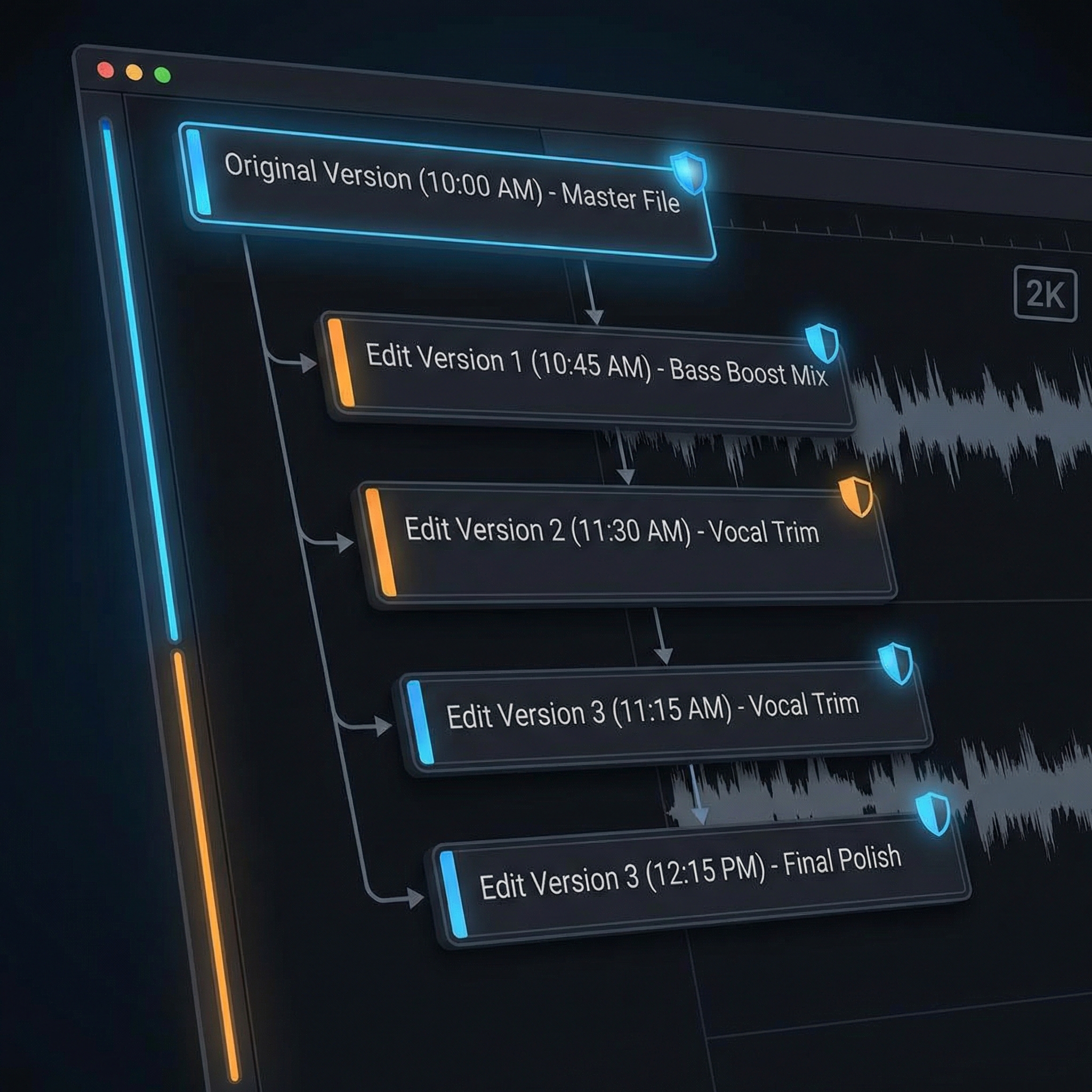
Your original track is never overwritten. Each replacement creates a new version while the source file remains untouched. Experiment with different lyrics, melodies, or arrangements freely—revert to the original at any point.

What Makes Our Replace Section Tool Different?

Compared to regenerating entire tracks or manual editing in a DAW, MemoTune replaces only what you want changed—faster and with less risk.

Edit Seconds, Keep the Song

Regenerate specific sections with AI inpainting.

No Studio Re-Recording Required

AI matches key, tempo, and timbre of the surrounding track automatically.

Seamless Audio Blending

Smart crossfading ensures smooth transitions into and out of replaced sections.

Lyrics-First & Waveform Editing

Highlight words in synced lyrics or drag a range on the waveform.

How to Replace a Section of a Song?

1. Upload Your Song

Drag your audio file (MP3, WAV, M4A, OGG, or FLAC, up to 20MB) into the editor. MemoTune analyzes the track and displays a synced lyric panel alongside the waveform timeline. Both interfaces are ready for section selection once the upload completes.

2. Select and Edit

Highlight the lyrics you want to change in the lyric panel, or drag a range on the waveform. Type new lyrics for that section or add style tags to adjust genre, mood, or instrumentation. Minimum selection length is 6 seconds to give the AI enough musical context for a natural replacement.

3. Replace and Download

Click Replace to generate two variations. Preview each version to hear how the new section connects with the surrounding audio. Pick the version you prefer and merge it into the full track. Download the final result in MP3 or WAV.

Replace Section Use Cases

From fixing a single word to reworking an entire bridge, these are the main ways creators use AI to replace sections of their songs.

Lyric Revisions

Songwriters use Replace Section to fix a line that doesn't rhyme, swap a word that sounds awkward when sung, or rewrite a verse to tell a different story. Select the lyrics, type the replacement, and hear the updated version in minutes—without re-recording the entire song.

Melody and Arrangement Fixes

Producers who need a stronger chorus hook or a different bridge melody can replace that section with updated style tags. Adjust the energy, swap instruments, or shift the mood—the AI regenerates only the selected bars while preserving the transitions on both sides.

Language and Localization

Artists releasing music for international audiences use song inpainting to replace a verse or chorus with lyrics in a different language. The AI matches the vocal style of the original while singing in the new language—useful for creating bilingual tracks or regional versions.

Layered portrait collage of a music creator

What Our Customers Say

Real feedback from creators who fixed, revised, and improved their songs using Replace Section—without starting over.

Had a perfect instrumental but the second verse lyrics were weak. Replace Section let me rewrite just that verse—melody, vocals, everything—while keeping the rest untouched.

Hemen DiazMusic Producer

Start Replacing Song Sections Today

Upload your track, select the part that needs work, and hear the replacement in minutes. Two variations per edit. Free credits on signup—no credit card needed.

Frequently Asked Questions

Selection, formats, quality, and limits—answers to help you decide if Replace Section fits your editing workflow.

Contact

The minimum selection is 6 seconds. This gives the AI enough surrounding context to analyze the musical style and generate a replacement that transitions naturally into the unchanged portions. Shorter selections would not provide enough context for coherent audio generation.