Clone Your Voice
optional

Upload an avatar for your voice model

0/50

Upload up to 6 audio files (MP3, WAV, M4A, FLAC, OGG, WebM). Total duration must be 6-15 minutes.

Separate vocals from background music. Turn OFF if your audio is already clean vocals without accompaniment.

Remove echo and reverb from vocals. Turn OFF if your recording is already dry and clean.

Tips for Best Results

  • Use raw, unprocessed voice recordings — avoid auto-tuned or pitch-corrected audio
  • Upload high-quality, clear recordings — the better your source audio, the better the trained model
  • Record in a quiet environment with minimal background noise or reverb

Supported languages

EnglishSpanishJapaneseKoreanChineseFrenchGermanItalianHindiTurkishFilipinoRomanianHebrew

Already have a trained voice model? Use it to cover any song with just 9 credits!

Try AI Voice Cover

AI Clone Models

AI Singing Voice Generator for Realistic Vocals

MemoTune helps you create an AI singing voice from lyrics, a simple prompt, or your own recordings. Upload audio to build a custom voice model, then generate studio-style vocals and download in minutes.

AI Singing Voice Generator Features

MemoTune focuses on the capabilities that actually change your output: faster vocals, better control, and cleaner exports for real projects.

Train a Custom Singing Voice

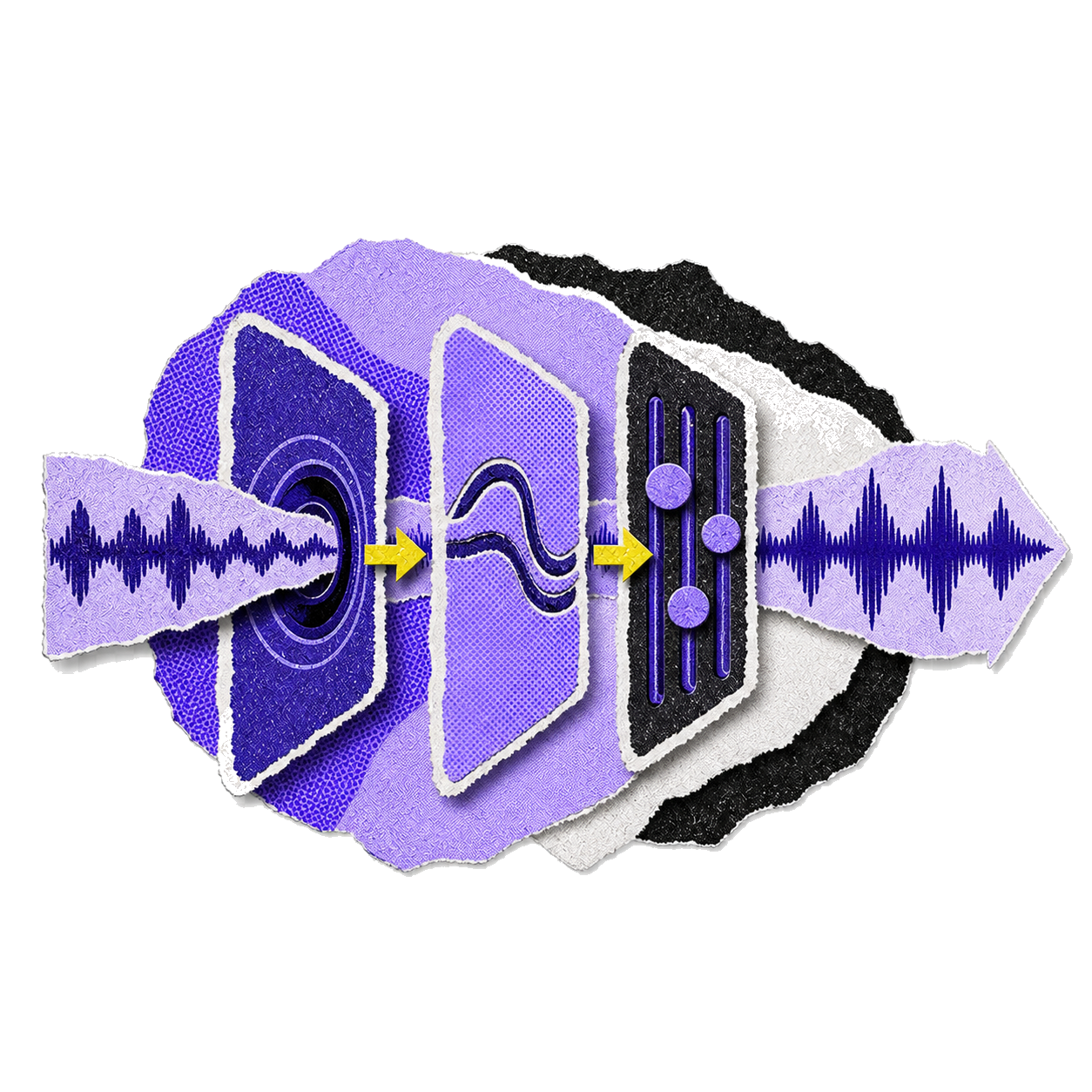
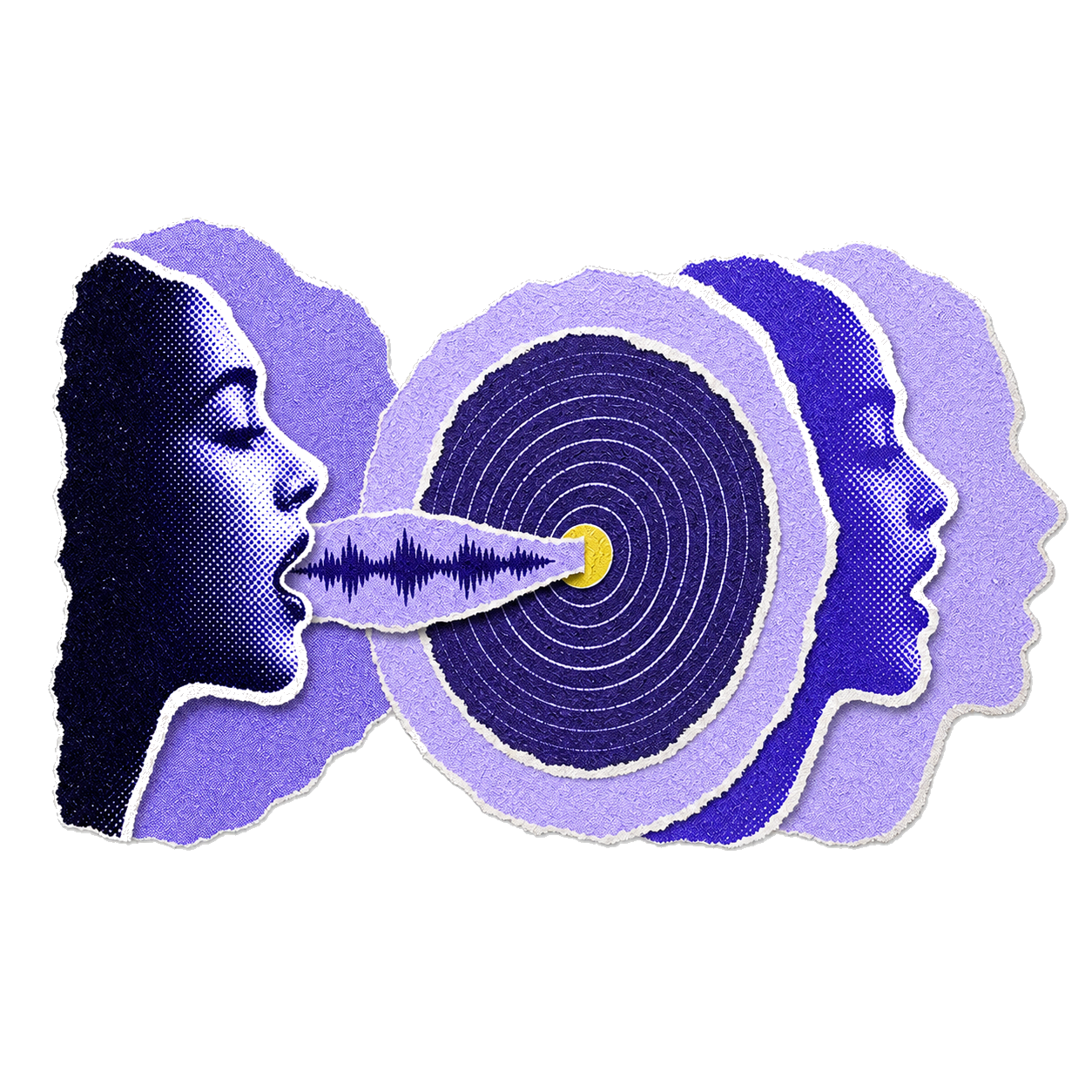
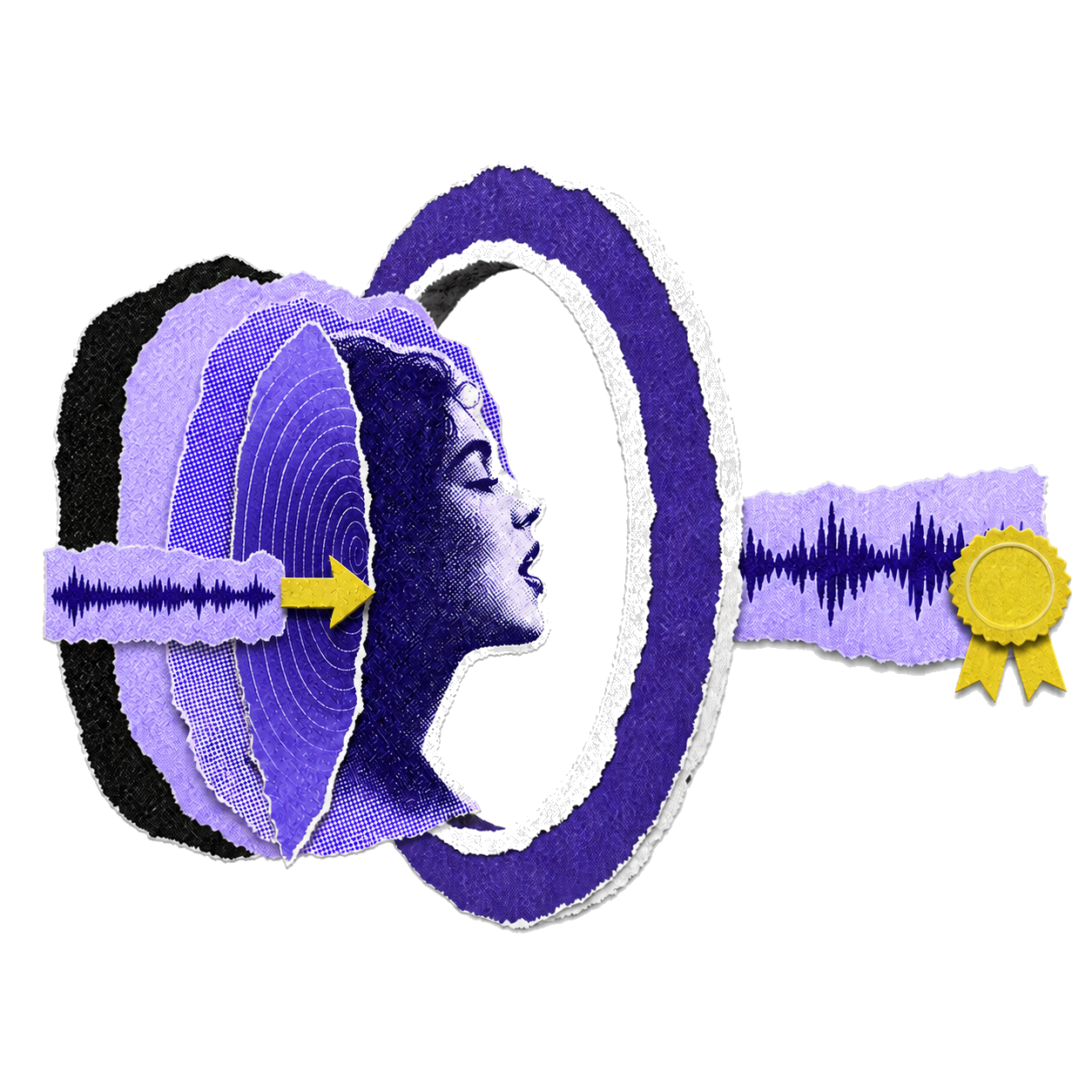
Upload clean samples or record in-browser to build a private voice model for the AI Singing Voice Generator. The model learns vocal tone, vibrato, and phrasing so your AI voice singer can perform new lyrics on demand and stay consistent across multiple songs—great for a signature sound or a recurring character.

Visualization of sound waves and digital voice model construction

Lyrics or Prompt to Vocals

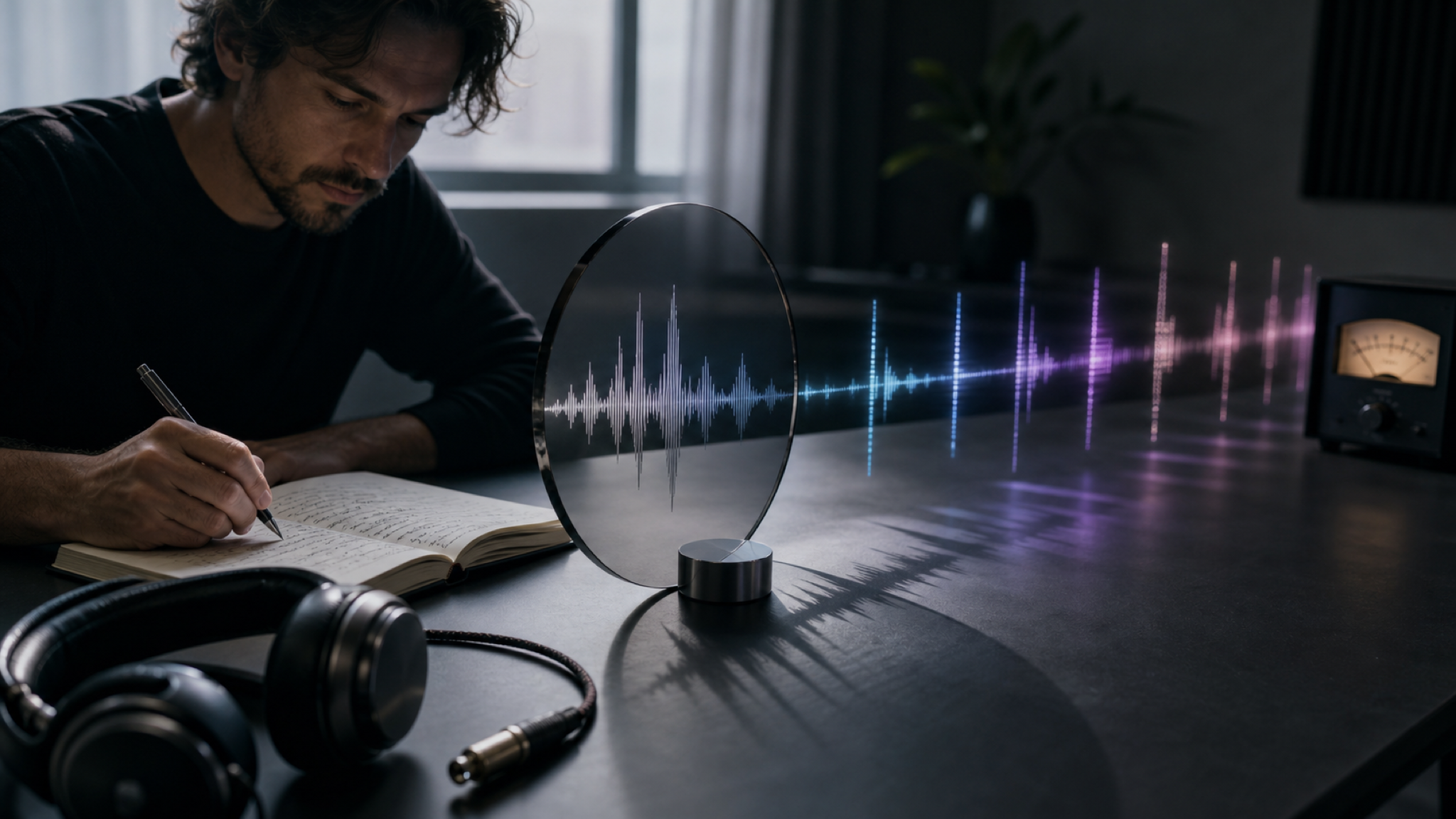
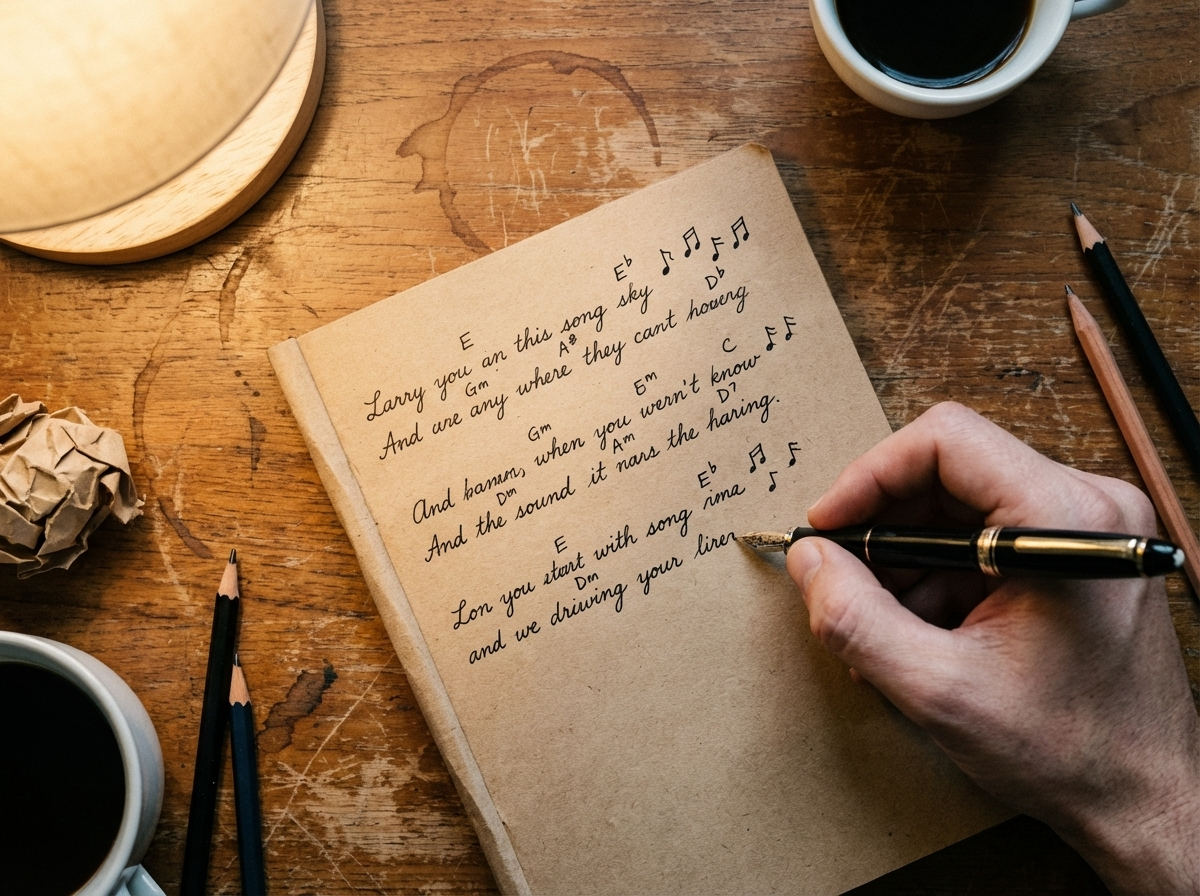
Turn full lyrics or a short description into a sung performance that follows the melody, timing, and style you choose. Example: write “lo-fi indie, soft male vocal, bittersweet verse” and iterate until the take matches your track—without needing a DAW to get started.

Close-up of song lyrics being written on a notebook with musical notes

Automatic Vocal Isolation

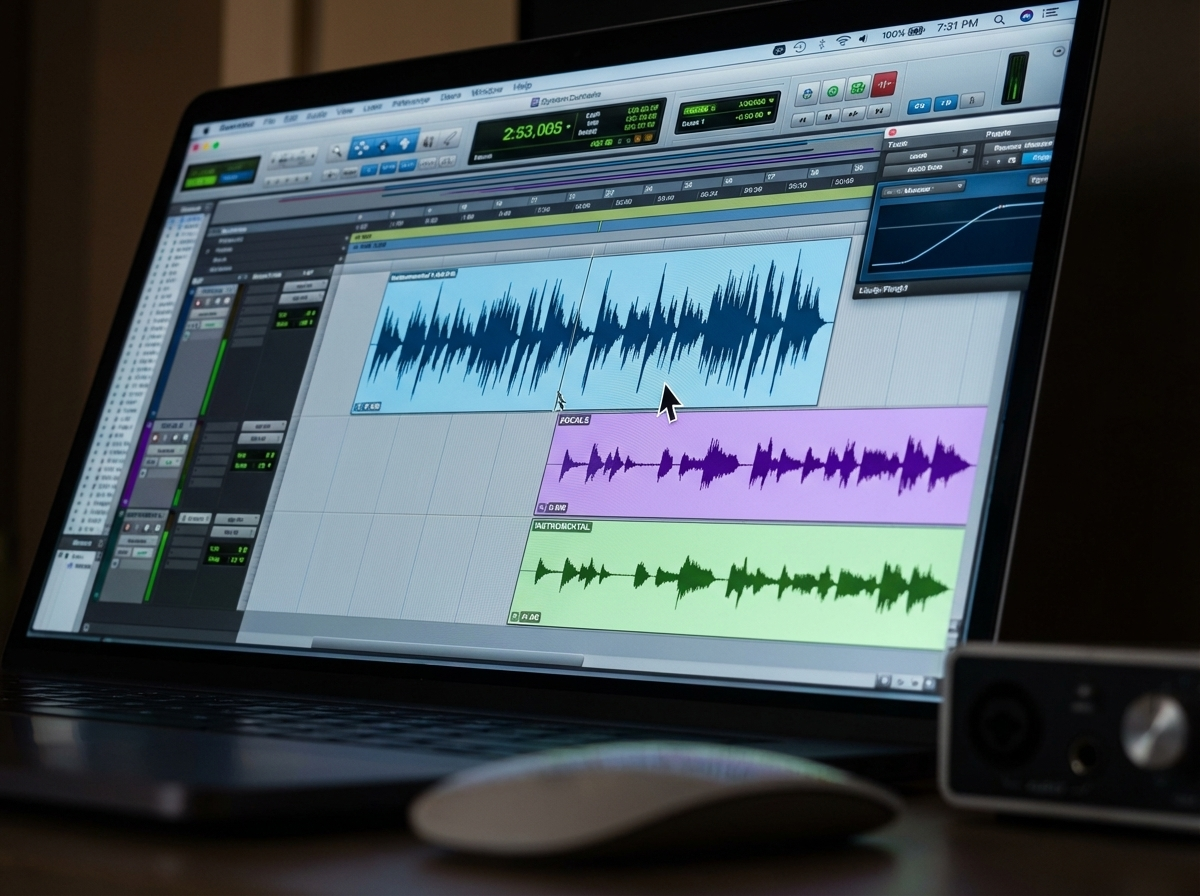
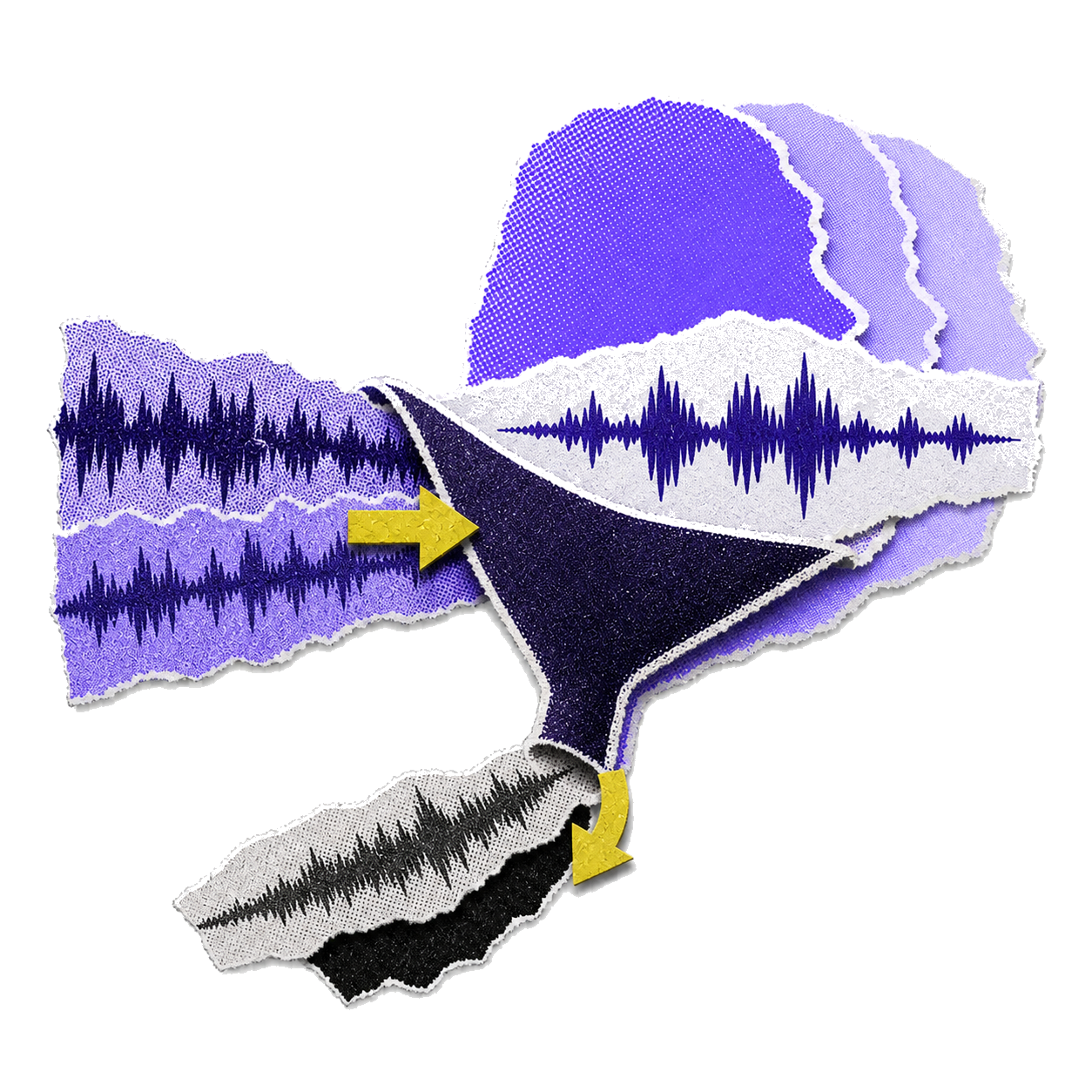
Cleaner inputs make better models, so MemoTune includes automatic vocal isolation to reduce noise and music bleed. Your AI vocal generator learns from clearer samples and produces more natural ai voice singing.

Fine Control on Delivery

Adjust timing feel, pitch character, and pronunciation to shape how the vocal lands. This AI singing tool is built for creators who want results they can actually mix—not one-click randomness.

What Makes Our AI Singing Voice Generator Different?

Most tools either give you speed with no control, or control with a steep learning curve. MemoTune is built to balance both for practical, publishable vocals.

More Control, Less Editing

Achieve pitch-perfect vocal tracks without manual comping or tuning.

Simple Voice Training

Train custom vocal models in minutes with zero technical setup.

Commercial Rights with Premium

Publish your generated vocal tracks commercially on streaming and social platforms.

Clean Inputs, Better Outputs

Optimized audio processing guarantees natural tone and artifact-free vocals.

How to Use AI Singing Voice Generator?

1. Choose Copyright-Safe Audio

Pick an existing track you have the rights to, or upload your own voice and music. Do not use copyrighted songs you do not own or license. Commercial use of generated output also requires Premium.

2. Extract an AI Voice

MemoTune analyzes the vocal part and extracts a reusable AI voice tone (your AI singing voice) from the provided recording. This is your usable voice layer—ready to sing new lyrics, with cleaner results when the input vocals are clear.

3. Generate the New Song

Enter lyrics or a short prompt and apply the extracted AI singing voice to generate a fresh vocal performance. Preview, tweak the vibe, then download the vocal track (and stems when available) for mixing or publishing.

Important Disclaimer

You must only train voice models using your own voice or with written authorization from the voice owner. Training voice models of public figures, celebrities, or any person without their explicit consent is strictly prohibited and may violate applicable laws.

AI Singing Voice Generator Use Cases

Whether you’re a creator, musician, or marketer, these scenarios show where MemoTune’s AI Singing Voice Generator creates real output you can publish.

Song Demos & Hooks

Producers use the AI Singing Voice Generator to test toplines before booking a vocalist. Generate an ai singing voice for a chorus idea, swap styles fast, and keep the best take as your reference track.

Short-Form Content

Creators use an AI Singing Voice Generator for reels, TikTok hooks, and parody jingles. Turn a prompt into ai voice singing, then export a clean vocal to sync with your edit.

Brand Audio & Ads

Marketers use the AI Singing Voice Generator to produce consistent vocal tags and short sung slogans. Train a branded ai voice singer from approved recordings, then generate variations for different campaigns.

Layered portrait collage of a music creator

What Our Customers Say

Creators use MemoTune to ship vocals faster: demos, content hooks, and branded voices that stay consistent across projects.

I trained a custom model and got believable hooks in one afternoon. The AI Singing Voice Generator saved me a week of demo sessions.

Devendra PérezIndie Producer

Get Started with AI Singing Voice Generator for Free!

Choose lyrics/prompt mode for an instant first result, or upload your voice to train a custom model. Generate, preview, and download with low risk and fast iteration.

Frequently Asked Questions

These cover the practical blockers: audio formats, quality, rights, privacy, limits, and what to try next if results feel off.

Contact

You can generate vocals from lyrics or a short text prompt, and you can also upload/record audio to train a custom voice model. If you’re starting from scratch, use lyrics/prompt mode. If you need consistency across songs, train a voice once and reuse it.