Song Extender

AI Song Extender: Add More to Your Music

Extend any track seamlessly with AI-generated verses, bridges, or outros. Preserve key, tempo, and rhythm with zero audible jumps.

AI Song Extender Features

MemoTune AI Song Extender focuses on seamless transitions, lyric matching, and export formats that fit professional workflows.

Style-Matched Extensions

The AI analyzes your uploaded audio's melody, chord progression, tempo, vocal style, genre, instrumentation, and production style before generating new sections. Extensions sound like natural continuations—same key, similar energy, matching vocal tone. A lo-fi beat stays lo-fi; a rock anthem stays rock.
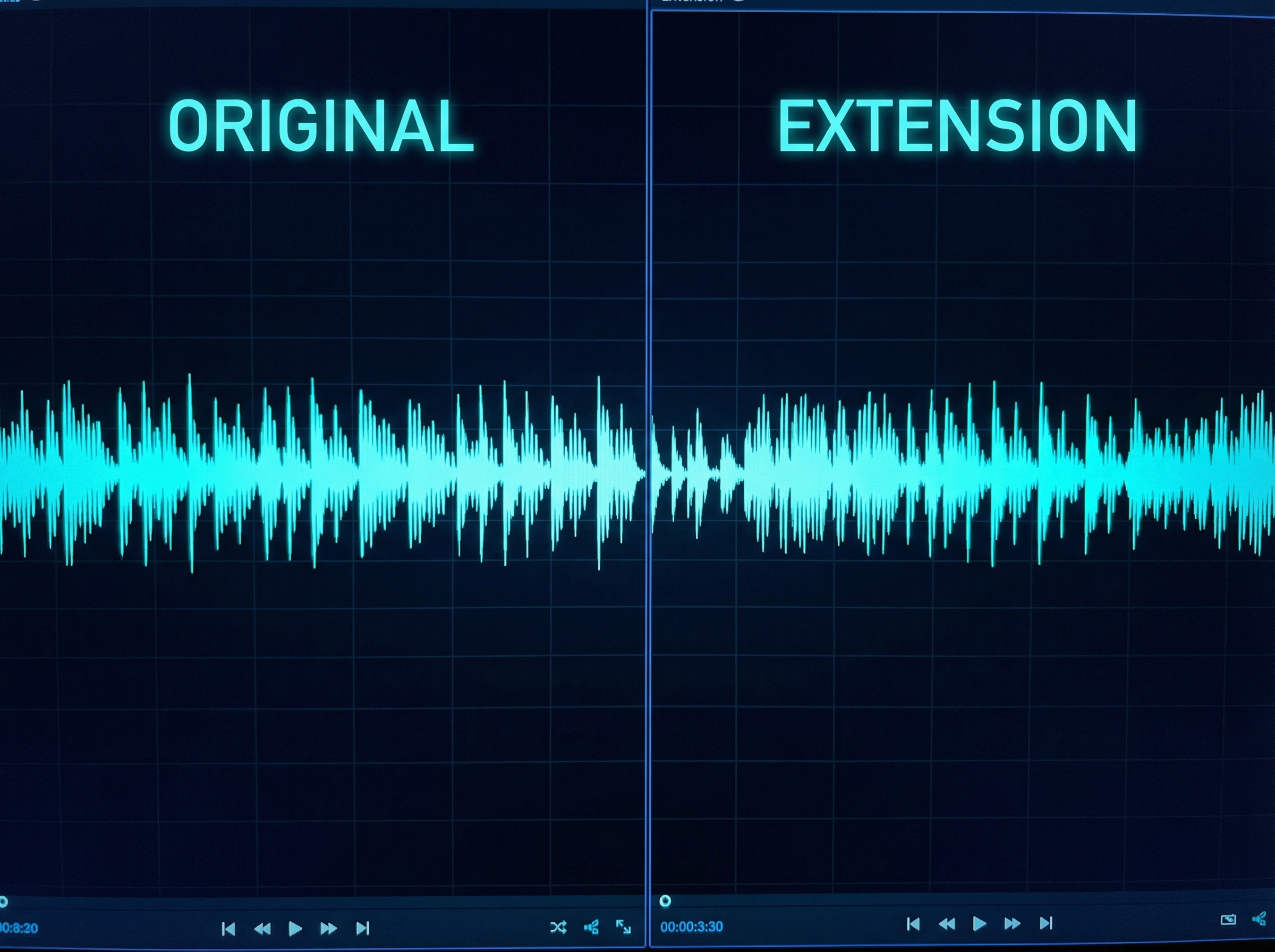
Visual comparison showing original track style matched in extension

Lyrics-Guided Generation

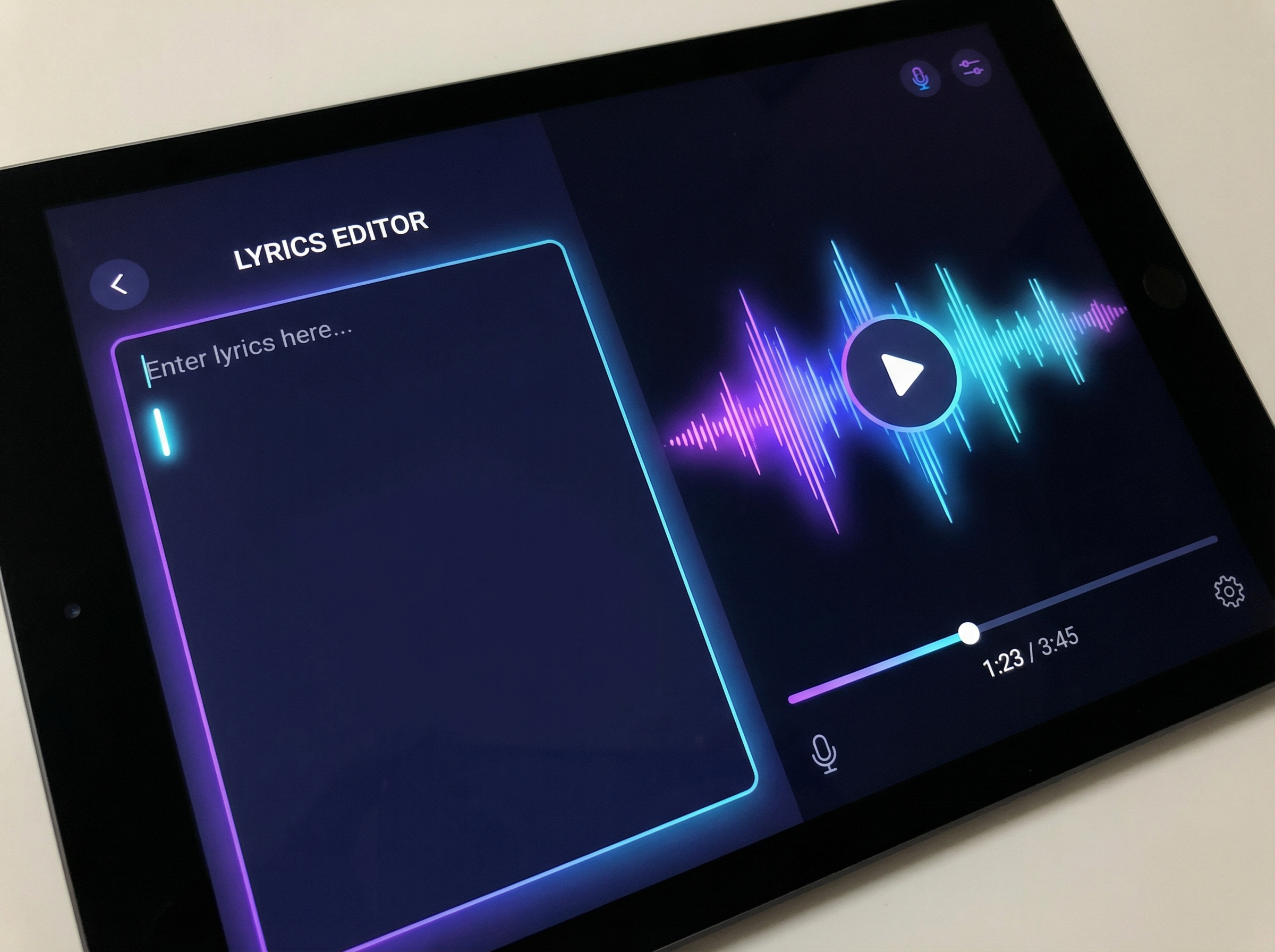
Provide the lyrics you want for the extended section, and the AI Song Extender generates vocals that sing your words in a voice matching the original track. Control the story while AI handles melody, rhythm, and production—your words, its composition.

Lyrics input interface with generated audio waveform preview

Section-Specific Control

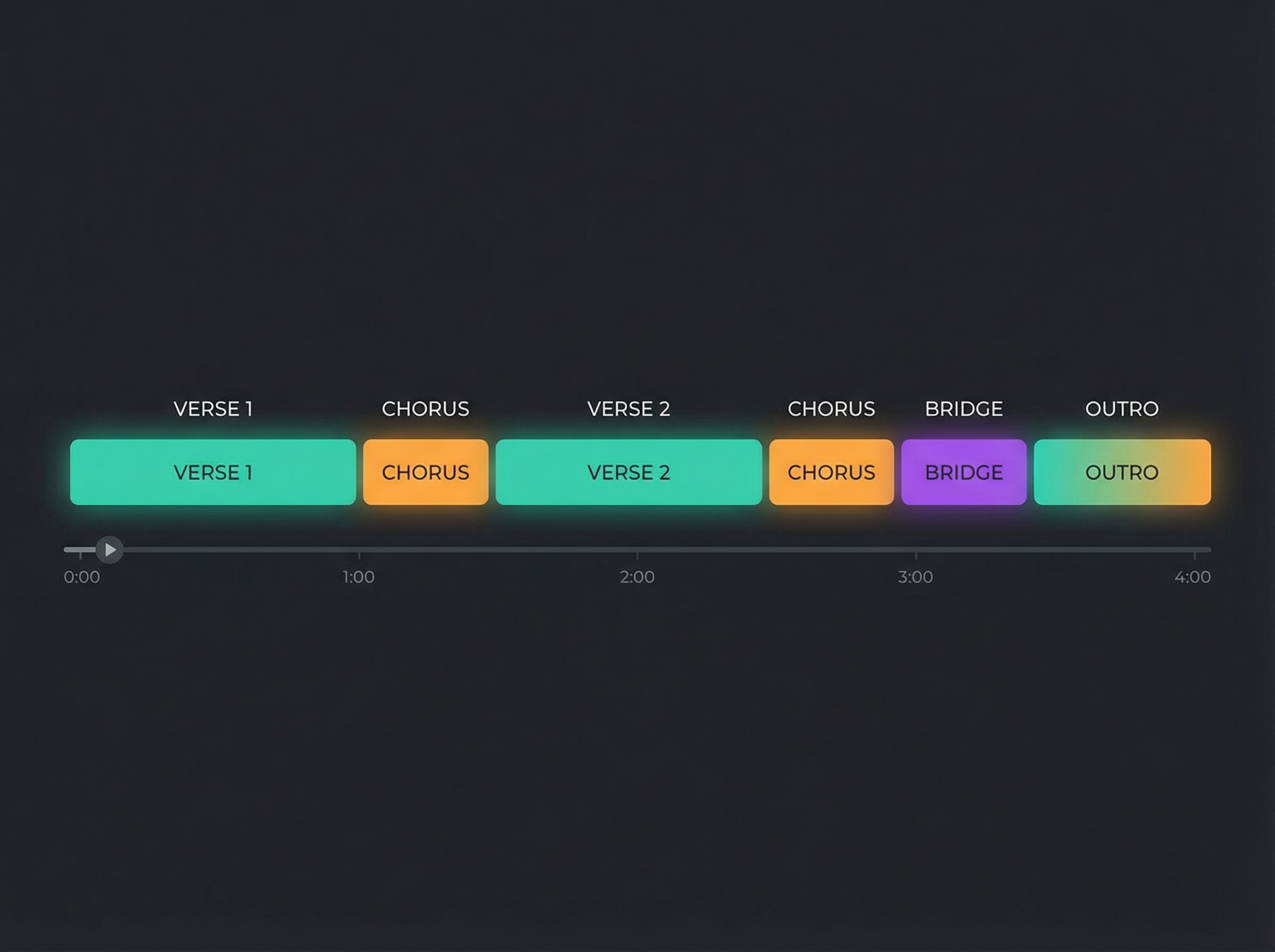
Choose exactly what to add: verse, chorus, bridge, intro, outro, or instrumental break. Each section type follows established song structure conventions—bridges create contrast, outros wind down, verses develop the narrative. The AI understands these roles.

Flexible Export Options

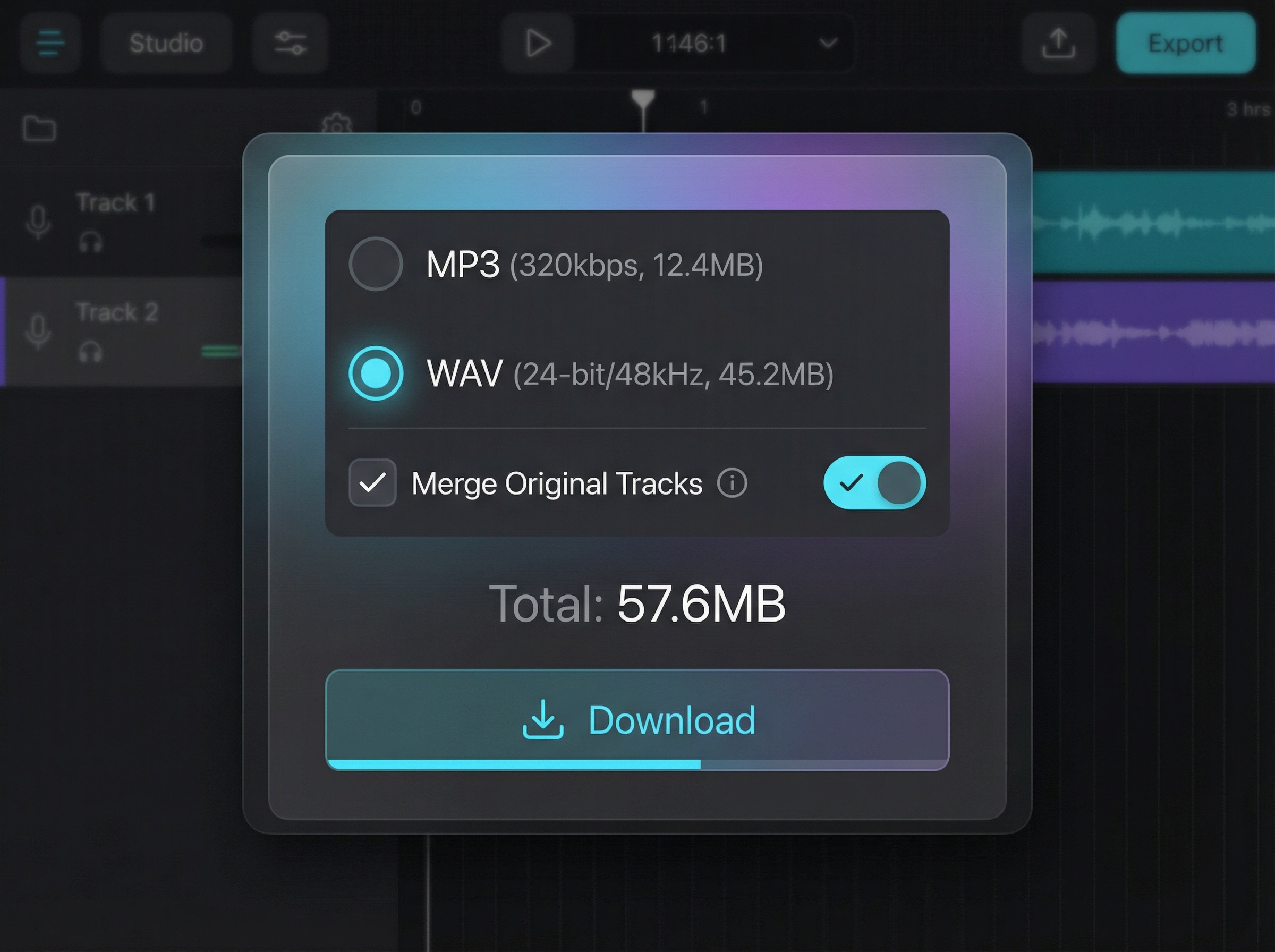
Download your extended track in MP3 for streaming and sharing, or WAV for further editing in your DAW. Export the extension separately or merged with the original—your choice. Both formats maintain full audio quality for professional use.

What Makes Our AI Song Extender Different?

Compared to manual composition or other AI tools, MemoTune delivers extensions that sound like they belong—not like obvious additions.

Seamless Audio Transitions

Extend tracks without audible cuts, clicks, or tempo drifts.

Minutes Instead of Hours

Extend verses, choruses, or outros in 2–5 minutes.

Custom Lyrics & Instrumental Modes

Add custom continuation lyrics or keep the extended section instrumental.

No DAW Experience Needed

Simply set the extension timestamp, provide your style prompt, and export.

How to Use AI Song Extender?

1. Upload Your Track

Drag your audio file (MP3, WAV, or M4A up to 100MB) into the upload area. The AI Song Extender analyzes the track's key, tempo, structure, and style to understand what extensions will fit. You'll see the original waveform once upload completes.

2. Describe the Extension

Specify what you want to add: a new verse, extended chorus, bridge section, or outro. Optionally provide lyrics for the AI to sing. Select extension length (30 seconds, 1 minute, or custom). Toggle instrumental mode if you only need music without vocals.

3. Generate and Download

Click generate and wait 2-4 minutes for your extended track. Preview the result to check how the new section connects with the original. Download in MP3 for quick use or WAV for editing. Regenerate with different settings if the first version needs adjustment.

AI Song Extender Use Cases

Whether you're finishing a demo, creating content, or preparing tracks for release, these are the main ways creators use AI to extend their music.

Music Production

Producers use AI Song Extender to lengthen tracks for streaming platforms where songs under 3 minutes often underperform. Add a second verse, extend the outro, or create a bridge that gives listeners more of what they love—without starting from scratch in your DAW.

Content Creation

YouTubers and podcasters use AI music extender to create background tracks that match their video length exactly. Instead of looping a short piece awkwardly, extend the song to 5, 10, or 15 minutes with natural variations that keep the audio interesting throughout.

Songwriting and Demos

Songwriters stuck on a verse or bridge use song extender AI to generate options. Upload your demo with the first verse and chorus, describe the mood for verse two, and hear multiple possibilities. Pick the best ideas and refine them—or use them as-is for quick demos.

Layered portrait collage of a music creator

What Our Customers Say

These are results creators care about: longer tracks, faster turnarounds, and music that sounds intentional—not AI-generated.

My track was stuck at 2:30 and streaming algorithms were burying it. AI Song Extender added a bridge and extended outro—now it's 3:45 and performing better.

Marquitos PereiraMusic Producer

Start Extending Your Songs Today

Upload your track, describe what you want to add, and hear the extension in minutes. Preview before you commit, and iterate until it sounds right.

Frequently Asked Questions

Formats, quality, creative control, and limits—these questions help you decide whether AI Song Extender fits your workflow.

Contact

MemoTune AI Song Extender accepts MP3, WAV, and M4A files up to 100MB. For best results, upload audio with clear separation between vocals and instruments. Higher quality source files produce better-matched extensions.