AI Instrumental Generator: Create Instrumentals From Text

Generate custom, royalty-free instrumental tracks from text prompts. Pick your genre, mood, and instrumentation—get studio-grade audio in 2–5 minutes.

AI Instrumental Generator Features

Turn a text description into a complete instrumental with melody, harmony, rhythm, and arrangement. MemoTune focuses on the workflow creators actually need: genre control, fast iteration, and export-ready files—without requiring a DAW, music theory, or session musicians.

20+ Genres and Styles

Generate instrumentals in 20+ genres, including Hip Hop, Lo-fi, Jazz, Classical, Phonk, EDM, R&B, Rock, Country, Ambient, and more. Each genre model is tuned for authentic sound—Phonk gets distorted 808s, Jazz gets swing timing, and Lo-fi gets vinyl warmth. Pick the style that fits your project.
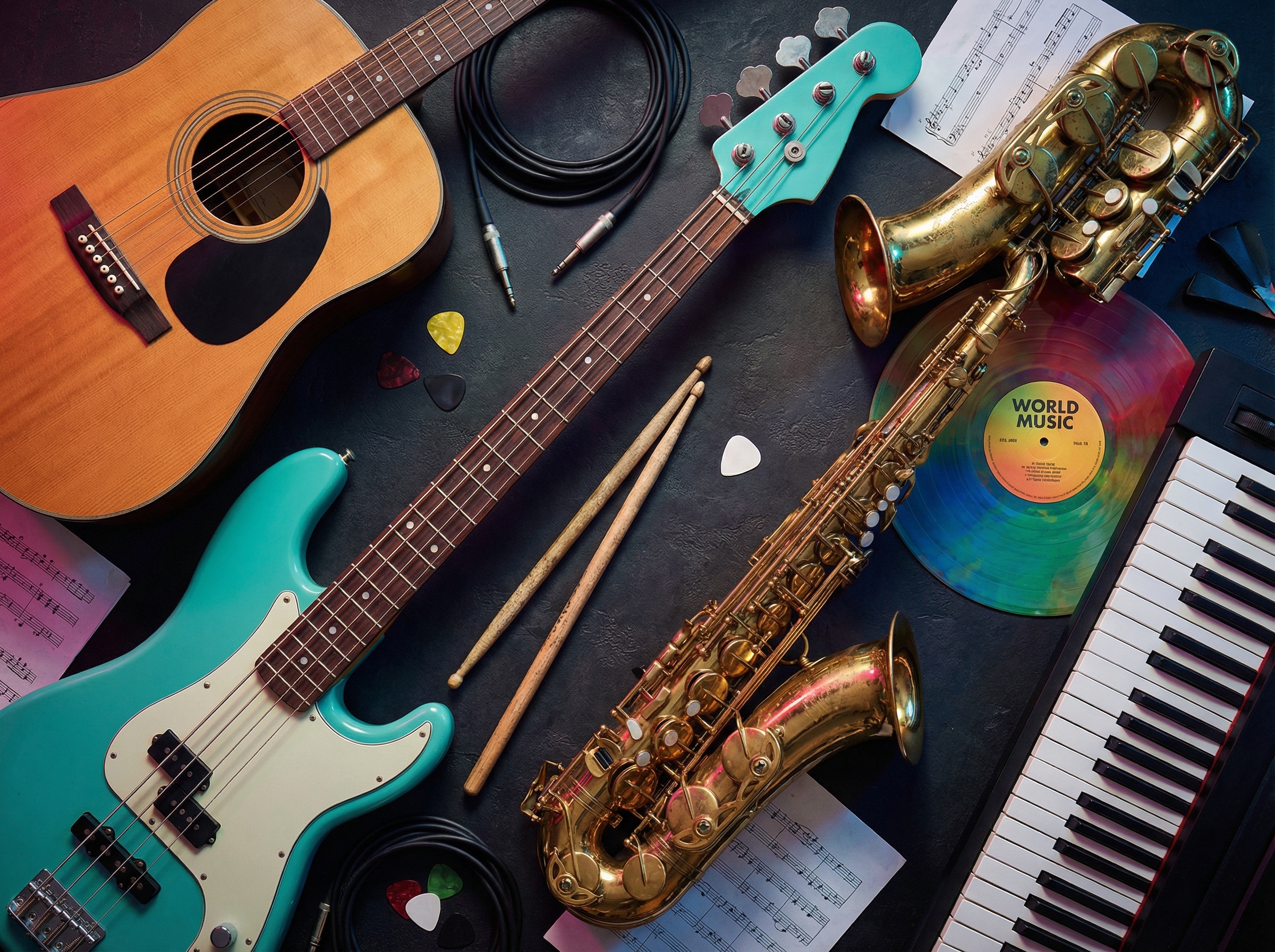

Diverse musical instruments arranged in artistic flat lay showing genre variety

Mood and Tempo Control

Set mood tags such as chill, energetic, dark, or epic, fine-tune tempo from 60 to 180 BPM, and choose duration. A "chill lo-fi beat at 75 BPM" sounds different from "energetic lo-fi at 120 BPM"—these controls help match the music to your edit.

Audio mixing console with glowing LED meters and equalizer sliders for mood and tempo control

MP3 and WAV Export

Download your AI instrumental in MP3 for fast sharing or WAV for editing in a DAW. MP3 works for social posts and quick uploads; WAV preserves full quality for mixing, mastering, or layering with other tracks. Both formats are included.

Commercial Rights with Premium

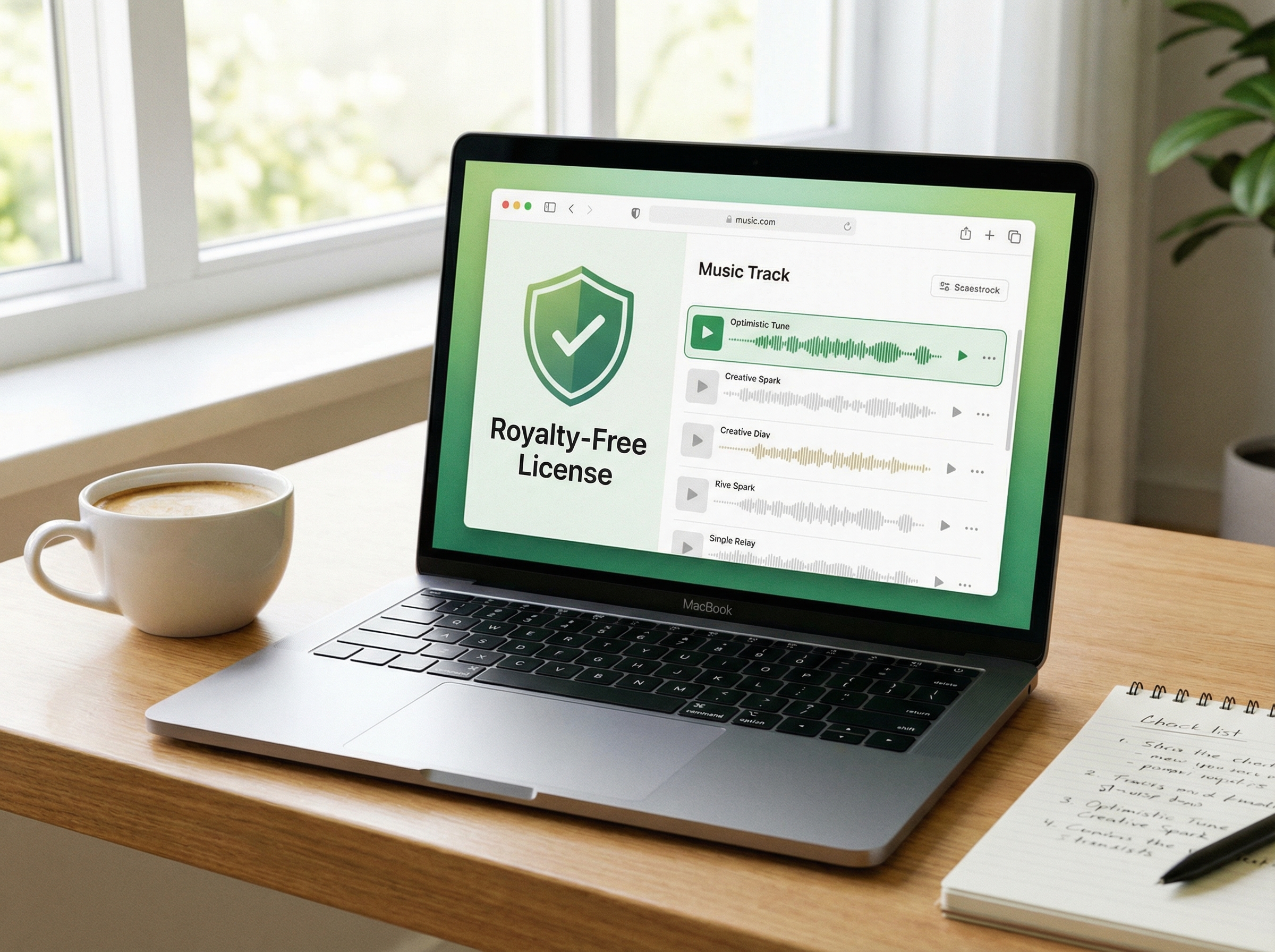
Commercial use is available only for tracks generated during an active Premium subscription. Free, Basic, and Creator plans are for personal, non-commercial use. Premium covers monetized videos, music releases, ads, games, client work, and other commercial projects. Platform policies and applicable laws still apply.

What Makes Our AI Instrumental Generator Different?

Creators often need instrumental music for a specific context, from a video intro or podcast bed to a game menu or product demo. MemoTune is built for music that fits the project instead of a stock track that's merely close.

Custom Music, Not Stock Loops

Generate unique, royalty-free backing tracks from text prompts.

Genre Accuracy That Matters

Authentic genre and instrument modeling.

Iterate Without Guessing

Fine-tune tempo, style, and instrumentation with explicit controls.

Commercial-Ready Audio Export

Download studio-grade backing tracks in MP3 and lossless WAV.

How to Use AI Instrumental Generator?

1. Describe Your Instrumental

Type a prompt that captures the sound you need—genre, mood, instruments, and use case. For example: "chill acoustic guitar instrumental for a travel vlog" or "dark cinematic piano for a horror game trailer." More detail gives the AI a clearer target, so include tempo or energy level if you know what fits your edit.

2. Set Style and Generate

Pick genre, mood, tempo, and duration from the controls. Click generate and the AI builds your instrumental track. Preview it directly in the browser—if the result is close but not right, adjust one variable like tempo or mood and regenerate. Each iteration sharpens the output.

3. Download and Use

When the instrumental sounds right, download it in MP3 or WAV where included with your plan. Royalty-free use follows your plan license, and commercial use requires Premium.

AI Instrumental Generator Use Cases

Whether you create videos, build games, or produce podcasts, these are the most common ways creators use an AI Instrumental Generator to get music that fits.

Video and Social Content

YouTubers, TikTok creators, and Reels editors use the AI Instrumental Generator to create background tracks that match their cuts. Publishing and monetization rights depend on the plan used to generate the track and each platform’s policies.

Games and Podcasts

Indie game developers generate menu themes, level ambience, and boss-fight cues with the AI Instrumental Generator. Podcasters create signature intros and segment transitions. Instrumental-only output keeps the mix clean for voiceover and sound design.

Music Production Sketches

Producers and beatmakers use AI-generated instrumentals as starting points for remixes, sample packs, or arrangement experiments. Generate a jazz chord progression or a trap beat skeleton, export WAV, then layer your own sounds in a DAW.

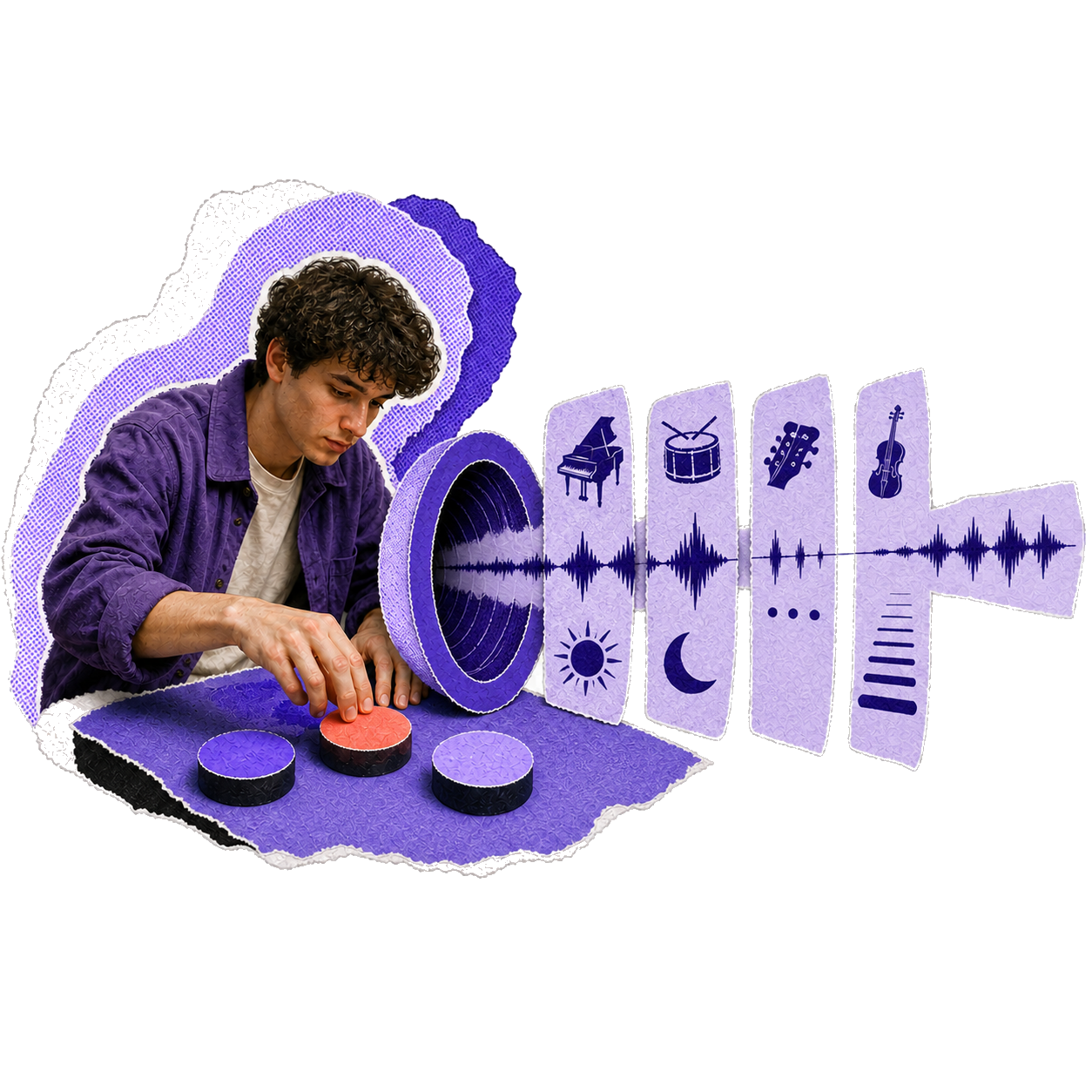
Layered portrait collage of a music creator

What Our Customers Say

Creators use MemoTune AI Instrumental Generator to skip the stock library grind and get tracks that actually fit their projects.

I needed a calm background track for my travel vlog. Two prompts later, the AI Instrumental Generator gave me exactly the vibe I wanted.

Mladencho SuvaYouTube Creator

Create Your First AI Instrumental for Free

Sign up, get free credits, and generate a custom instrumental in minutes. Preview before you download, iterate until it fits your project.

Frequently Asked Questions

Genres, licensing, formats, and credits—these are the questions that come up before creators try an AI Instrumental Generator.

Contact

Yes. Commercial monetization on YouTube, Spotify, games, and podcasts is included with all Premium plans.