Mashup Maker

AI Mashup Maker: Fuse Two of Your Songs Into One Original Track

Blend two songs from your library into a fresh, original track. AI fuses melody, rhythm, and vocals into one cohesive arrangement in ~60 seconds.

Everything You Need to Blend Your Own Tracks

MemoTune AI Mashup Maker focuses on what makes a blend work: real fusion of two tracks, flexible vocals, simple style hints, and editable exports you own.

Two-track fusion engine

Pick any two songs from your library and the engine writes one track that carries both—trap drums under lo-fi keys, K-pop melody over orchestral strings. It blends rhythm, harmony, and timbre instead of crossfading clips, so the seams disappear and the song feels intentional.
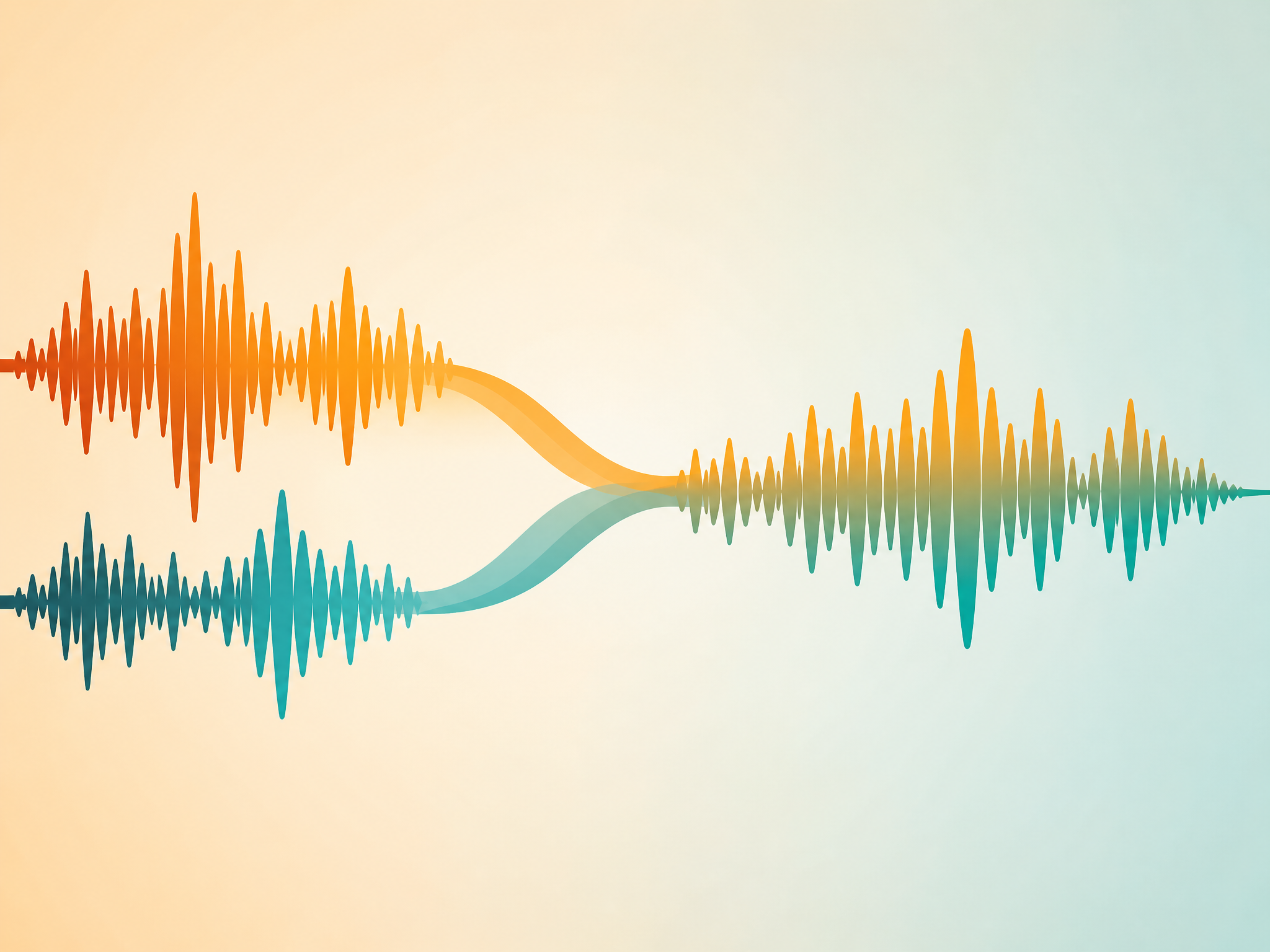
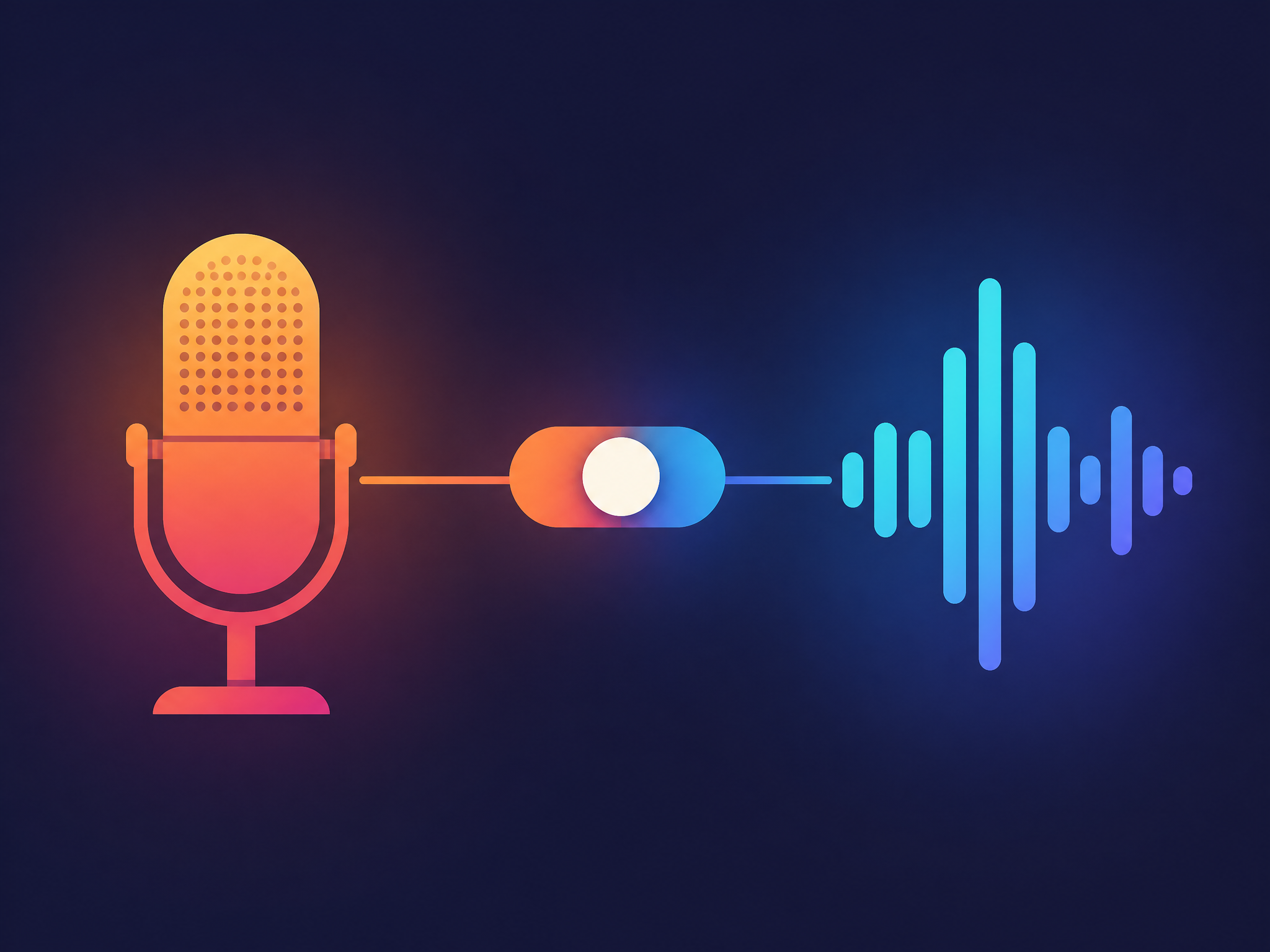
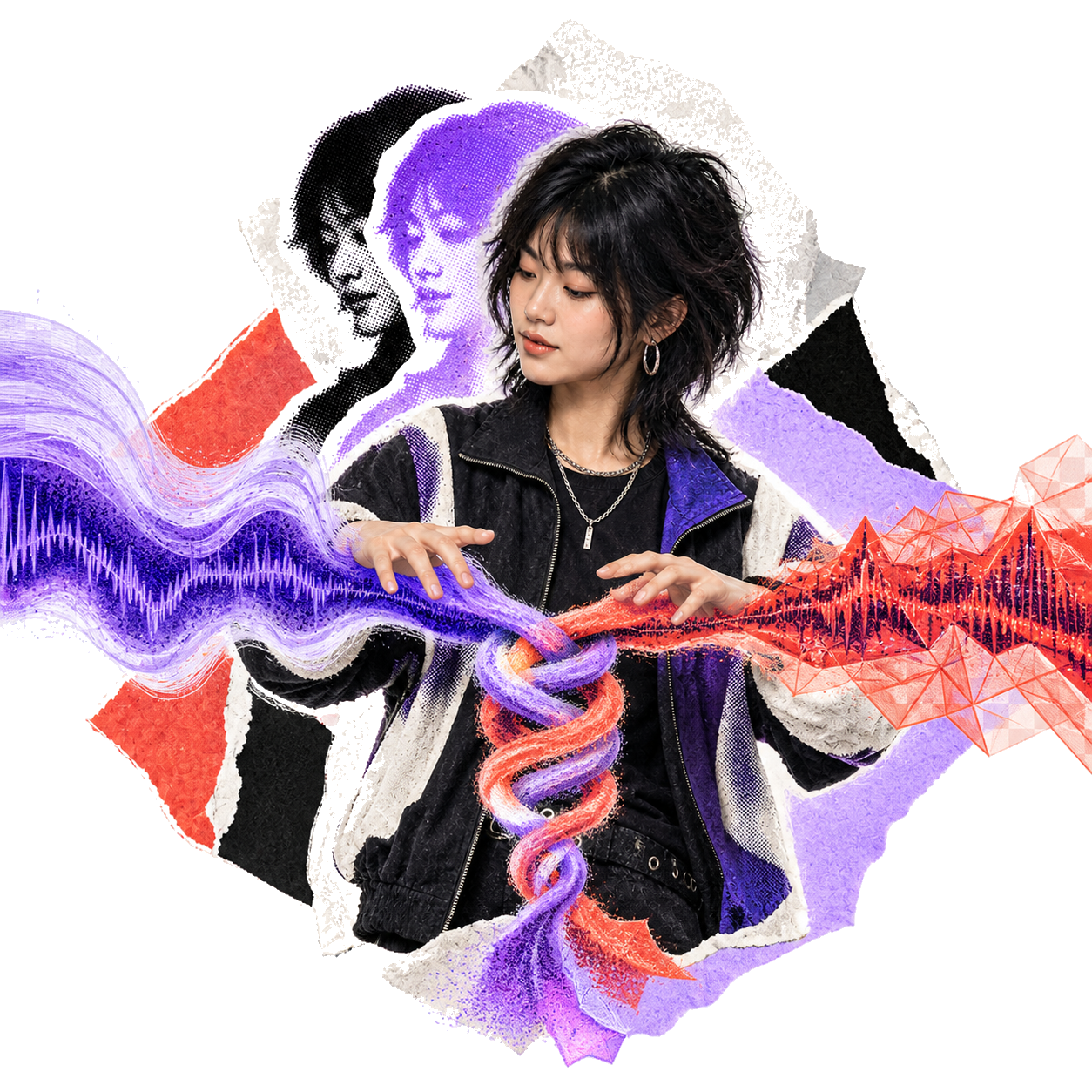
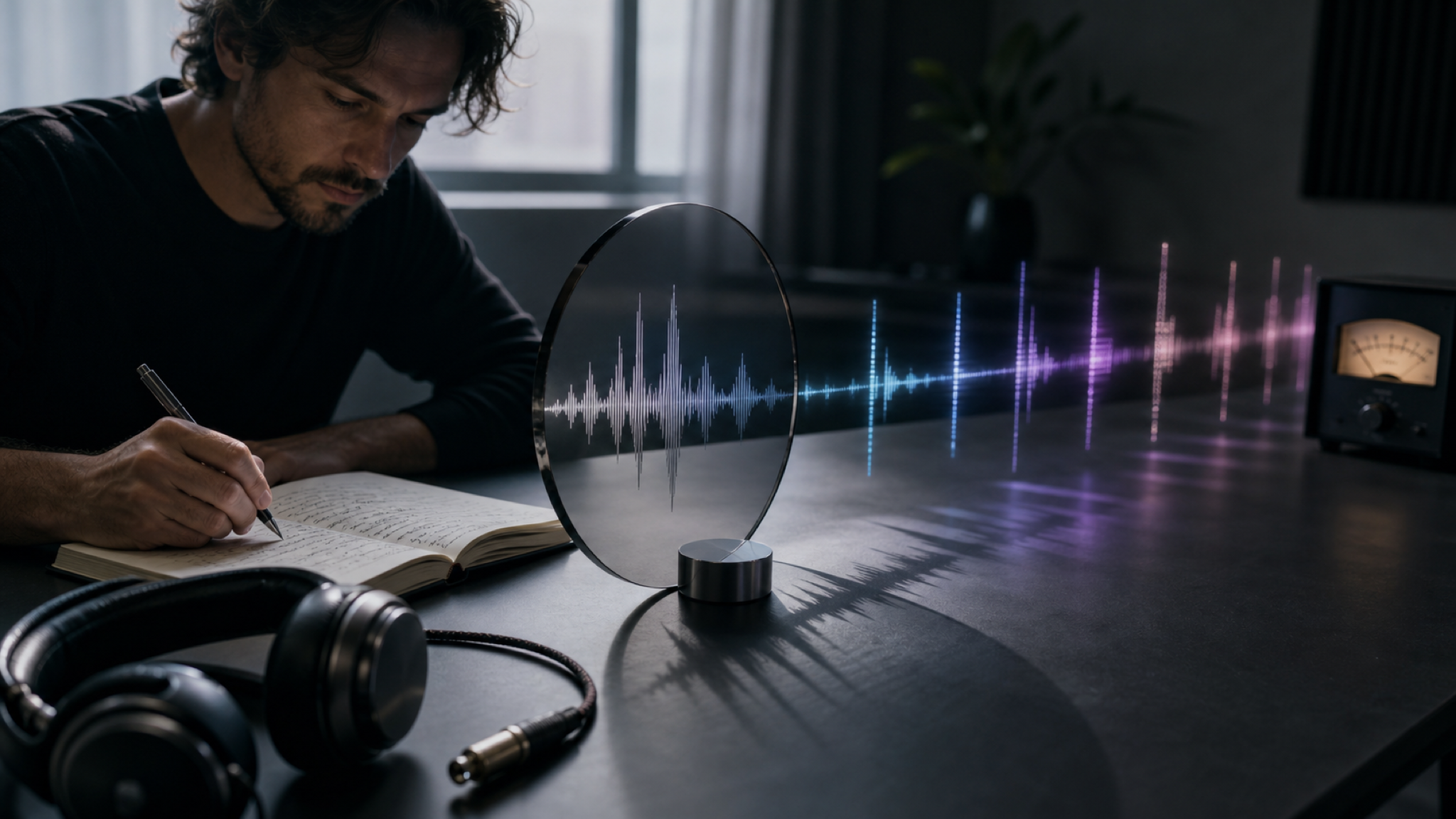
Two of your tracks merging into one continuous audio waveform

Optional style hints

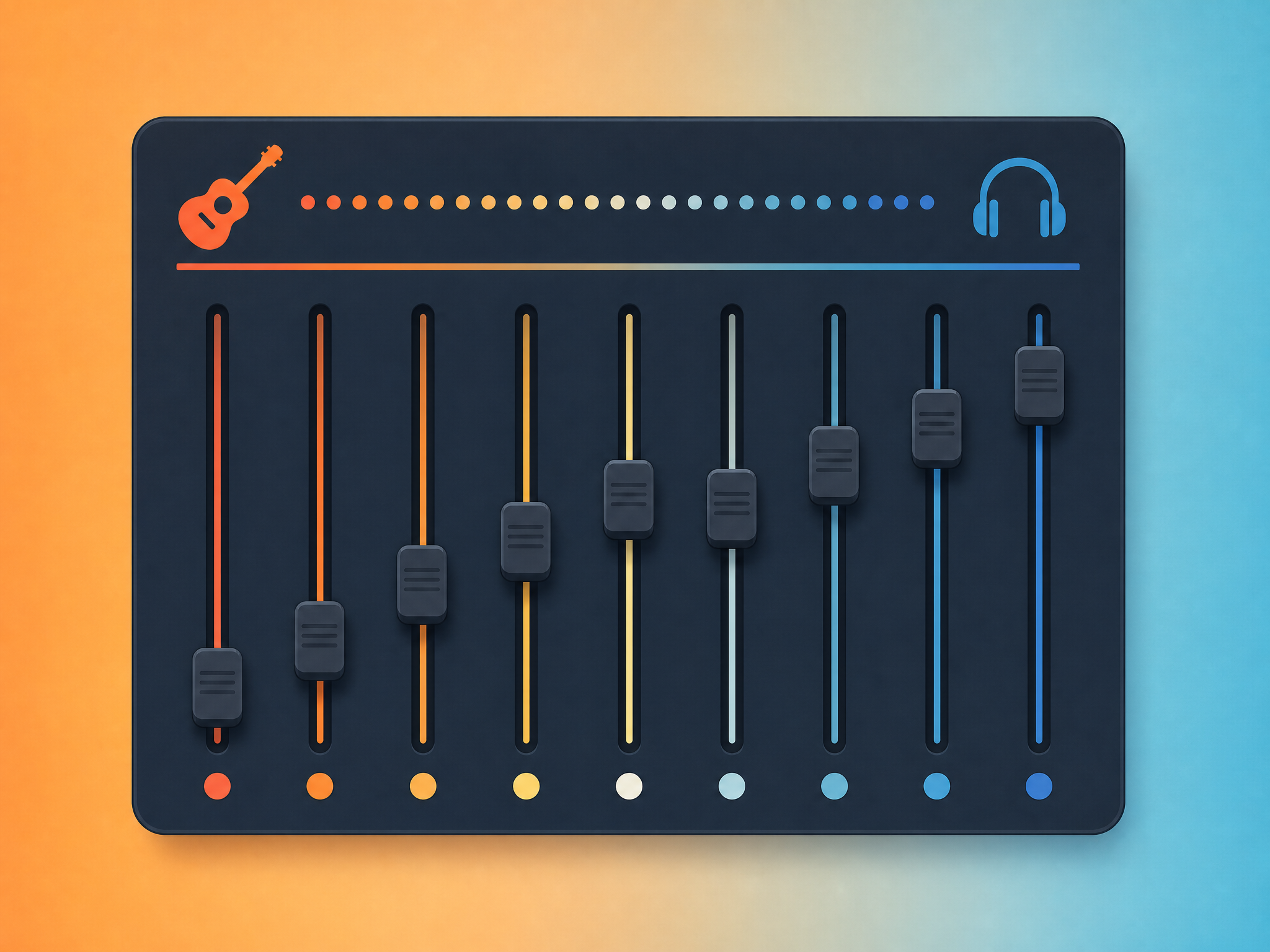
Want to nudge the blend? Drop a quick style hint like "lo-fi, mellow piano, female voice" and the mashup leans that way. It's optional—skip it and the AI fuses your two tracks on its own—so you steer the vibe without hunting through menus of sliders.

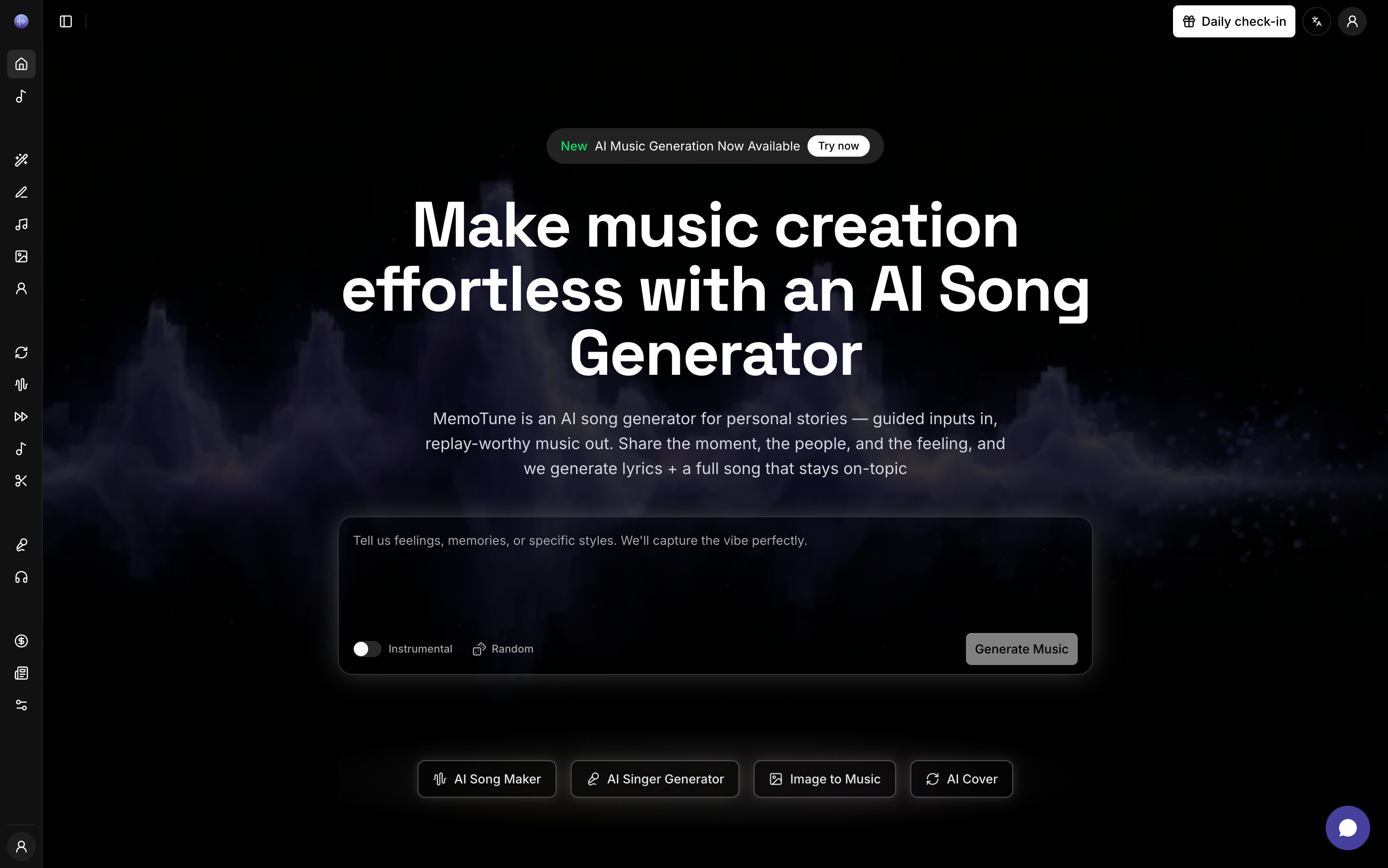
A short style hint guiding how two musical styles blend

Vocal or instrumental modes

Generate full vocal mashups for hooks and posts, or instrumental versions that keep narration and gameplay audio clean. Write your own lyrics or reuse one track's words, and tag [verse] / [chorus] to control how the blend moves through the song.

Plan-Based MP3 and WAV Export

Download MP3 or WAV where included with your plan. Commercial use requires Premium, and you must retain the necessary rights to every source track used in the mashup.

What Sets the MemoTune Mashup Maker Apart

MemoTune blends two tracks you control into a new song. Publishing rights follow your plan license and the rights to both source tracks.

Built from Tracks You Control

Fuse two tracks from your library into one cohesive master.

Real Fusion, Not Just Crossfading

AI blends melody, rhythm, and instrumentation into a single unified arrangement.

Fast Vocal & Style Controls

Write fresh lyrics or reuse words from your source songs.

Private Drafts & Instant Export

Keep mashup experiments private in your library.

How to Make a Mashup With AI in 3 Steps

1. Pick two tracks to blend

Choose any two songs from your library as Track A and Track B—for example a lo-fi verse idea and a high-energy trap beat. New here? Make a couple of songs in the AI Song Maker first, then come back to fuse them.

2. Set vocals, lyrics, and style

Decide vocals or instrumental. For a vocal mashup, write your own lyrics or reuse one track's words with a tap, and tag [verse] / [chorus] to shape the song. Add an optional style hint—like "lo-fi, mellow piano"—to nudge the blend.

3. Generate and download

Create the mashup, preview it, and download MP3 or WAV where included with your plan. Royalty-free use follows your plan license, and commercial use requires Premium.

AI Mashup Maker Use Cases

Blend tracks you have the rights to, then use the output according to your plan license. Here are three ways creators get more out of songs they already control.

Combine two of your own tracks

Made a few songs on MemoTune that you like but none feels finished? Pick your two best—say a laid-back verse and a punchy hook—and fuse them into one cohesive track. It's the fastest way to turn scattered ideas in your library into a single song worth releasing, with nothing borrowed and nothing to clear.

Streams, games, and party sets

Streamers and DJs can blend two tracks they have the rights to into instrumental loops for intros, lobby music, and warm-up sets. Commercial streaming requires Premium, and platform copyright and Content ID policies still apply.

Hooks and demos for artists

Songwriters and beatmakers fuse two of their own sketches—an afrobeats groove and a country topline—to hear how a cross-genre idea lands. Reuse the lyrics from one, tweak the style hint, and regenerate until it catches, then take the WAV into your session for a full production.

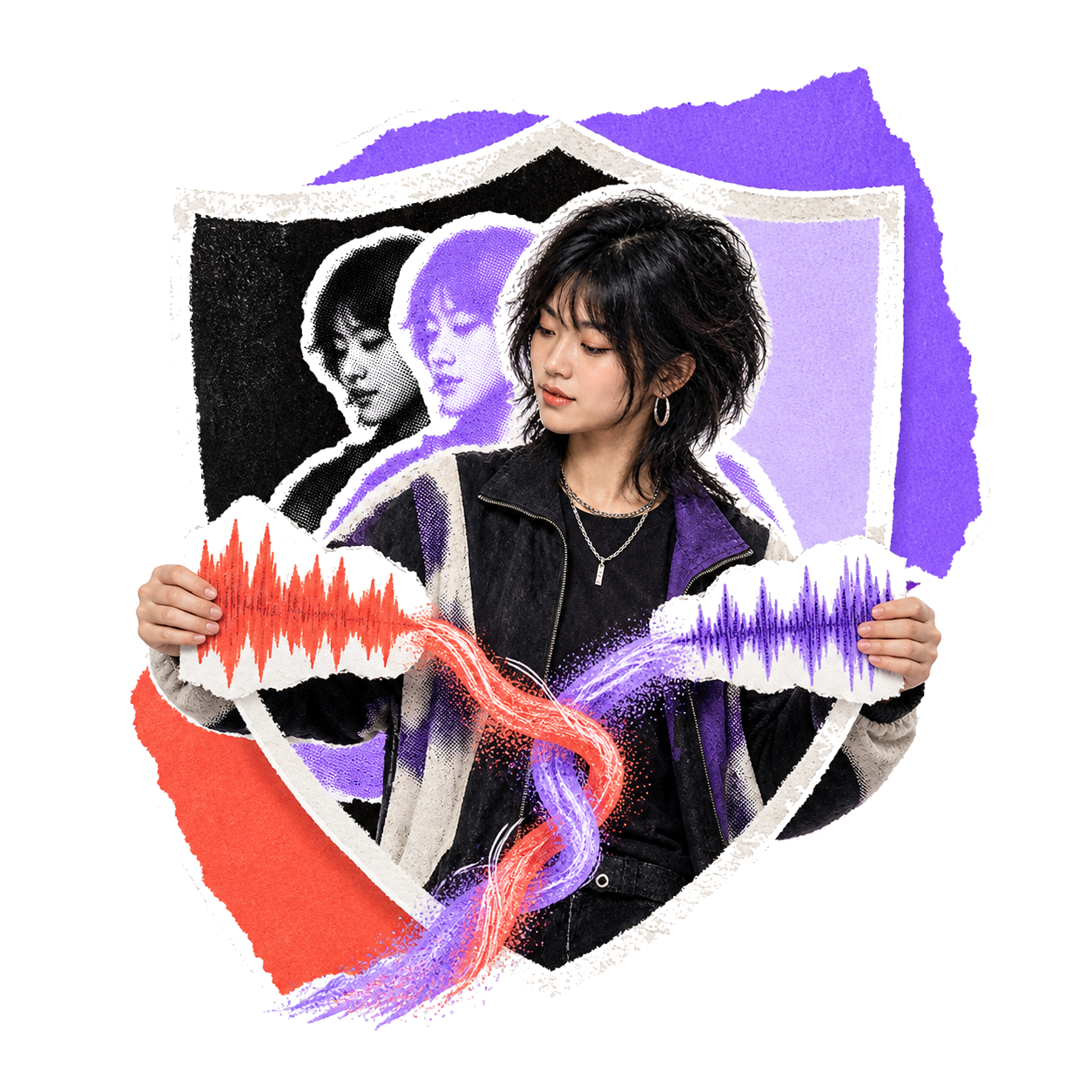
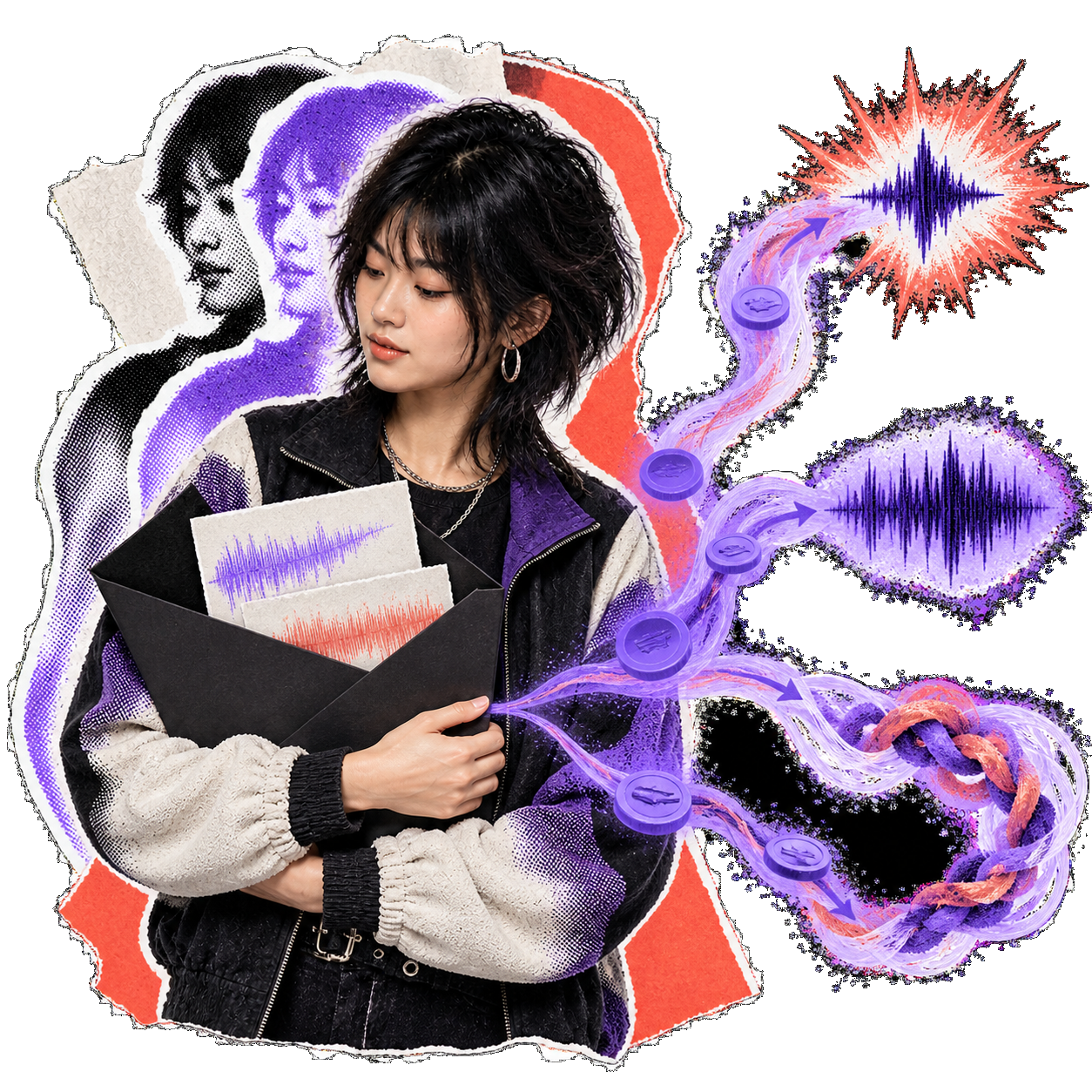
Layered portrait collage of a music creator

What Creators Say About Mashup Maker

Beatmakers, DJs, and video creators share how AI mashups opened new creative directions.

I fused two of my own beats—a drill loop and a city-pop hook—and took the WAV straight into my DAW. The blend sounds genuinely composed.

Hirakjyoti SoriaBeatmaker

Make Your First Mashup With the AI Mashup Maker—Free

Pick two tracks from your library and let the AI mashup maker fuse them into one original, royalty-free song in about 60 seconds. Preview before you download, then re-roll until it hits.

Frequently Asked Questions

How the AI mashup maker works, what it costs, and whether you can publish the results—the questions that decide if it fits your workflow.

Contact

Select two tracks from your library as Track A and Track B. Choose vocal or instrumental mode, add optional style hints, and AI generates a unified mashup in ~60 seconds.