Two Results per Remaster
Each run returns two versions of the selected song. Compare them side by side instead of judging a single random output, then keep the version that best preserves the source while improving the details you notice.
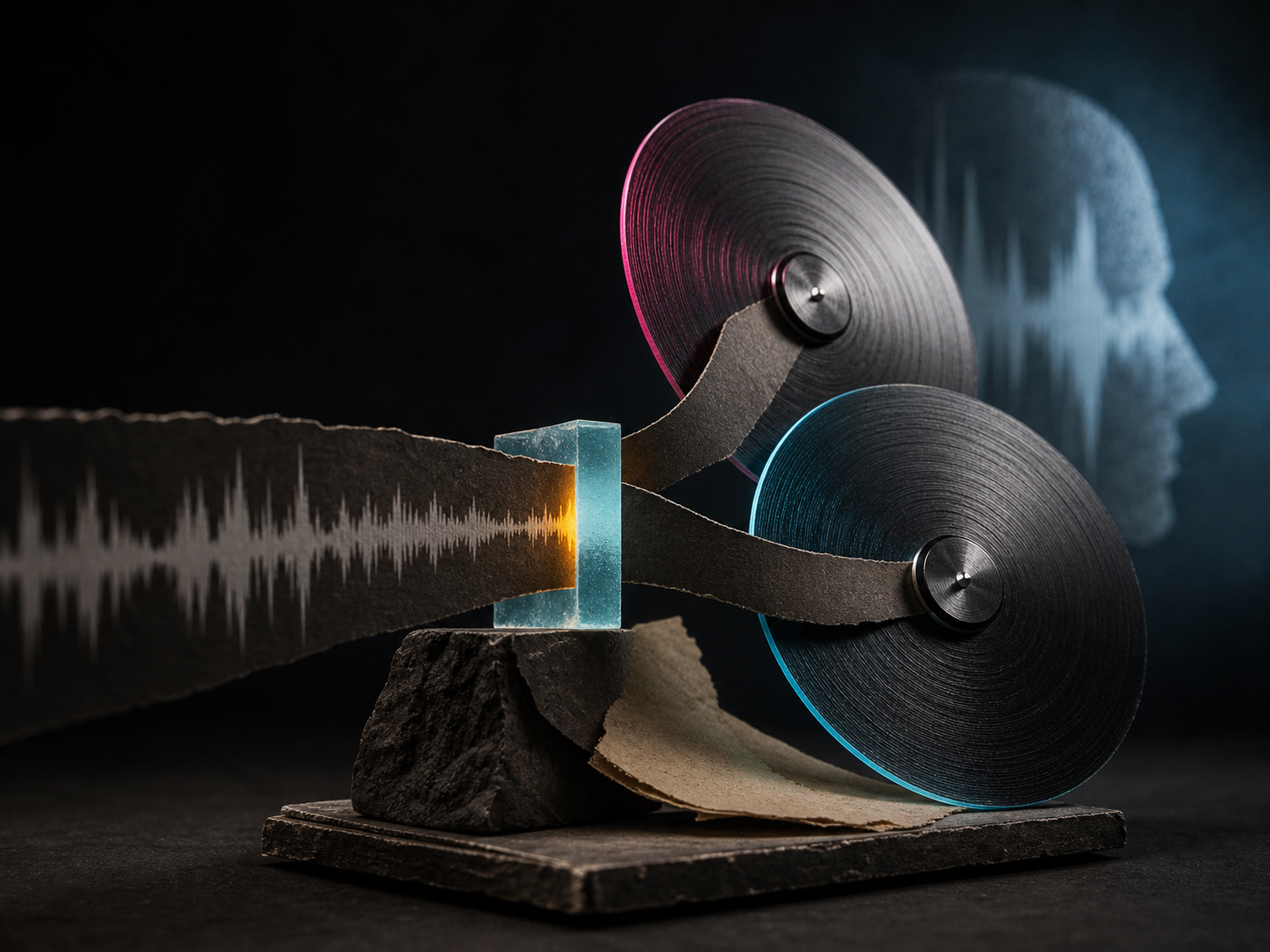
Upgrade older or draft AI tracks with higher clarity, punch, and depth. Preserve structure and melody while enhancing audio fidelity in minutes.
A focused workflow for regenerating a finished AI song with clear control over how closely the results follow it.
Each run returns two versions of the selected song. Compare them side by side instead of judging a single random output, then keep the version that best preserves the source while improving the details you notice.
Subtle, Normal, and High provide a simple way to control creative distance. You can begin conservatively and increase the strength only if the first versions remain too close to the original.
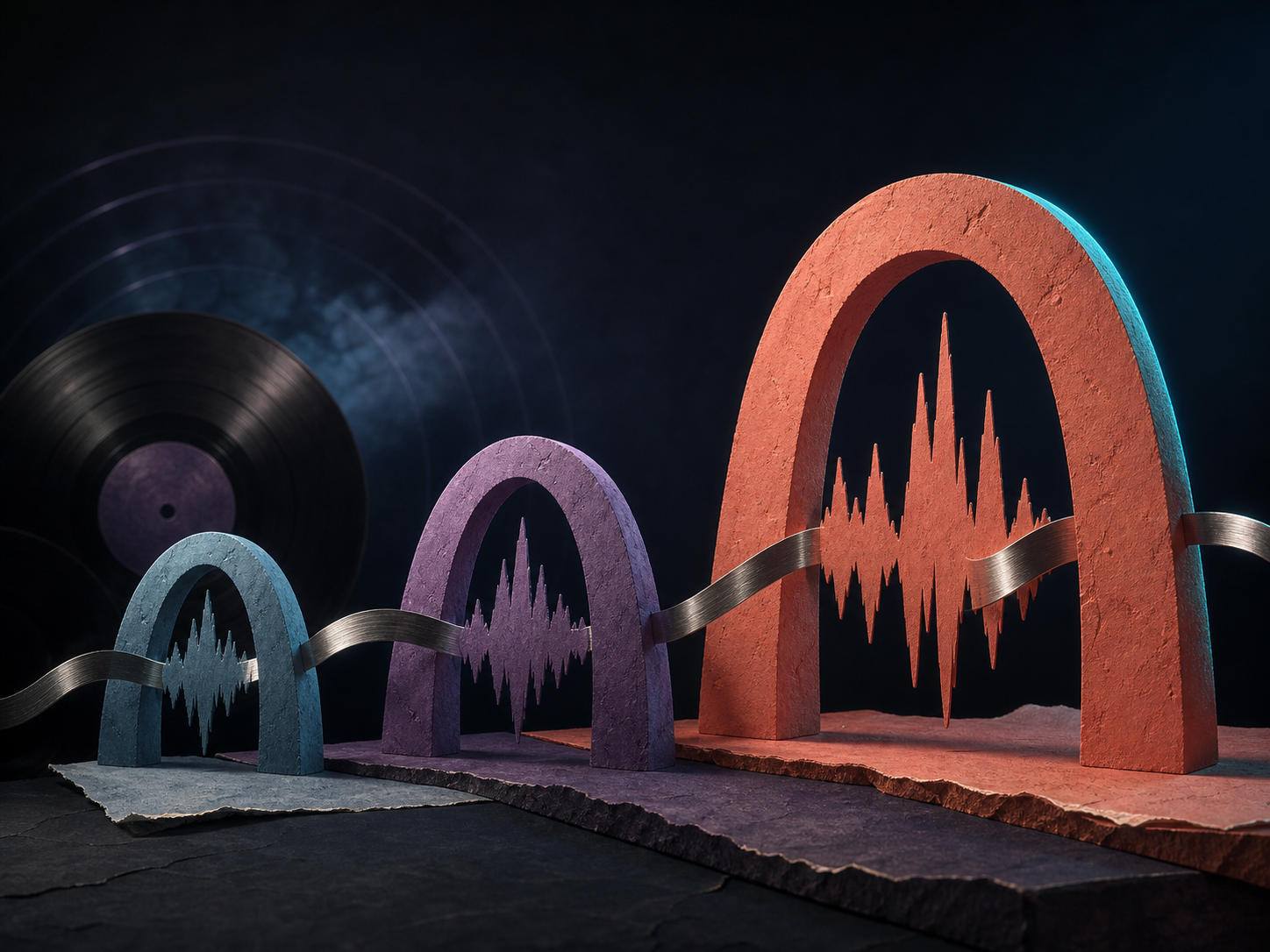
The source song remains the guide for structure, lyrics, and arrangement. The system focuses on creating a refreshed interpretation rather than asking you to rebuild the prompt, lyrics, or song sections from scratch.
Select the source directly from My Music and review the generated versions in the same creation history. There is no separate file-transfer workflow for supported MemoTune songs.
It is built for regenerating your existing AI songs, with honest controls and clear boundaries instead of generic mastering claims.
Upgrade existing AI tracks using latest generation models.

Keeps your song structure, lyrics, melody, and arrangement intact.

Choose subtle clarity boosts or deep model modernizing.

Receive two remaster variations to audition against your original.
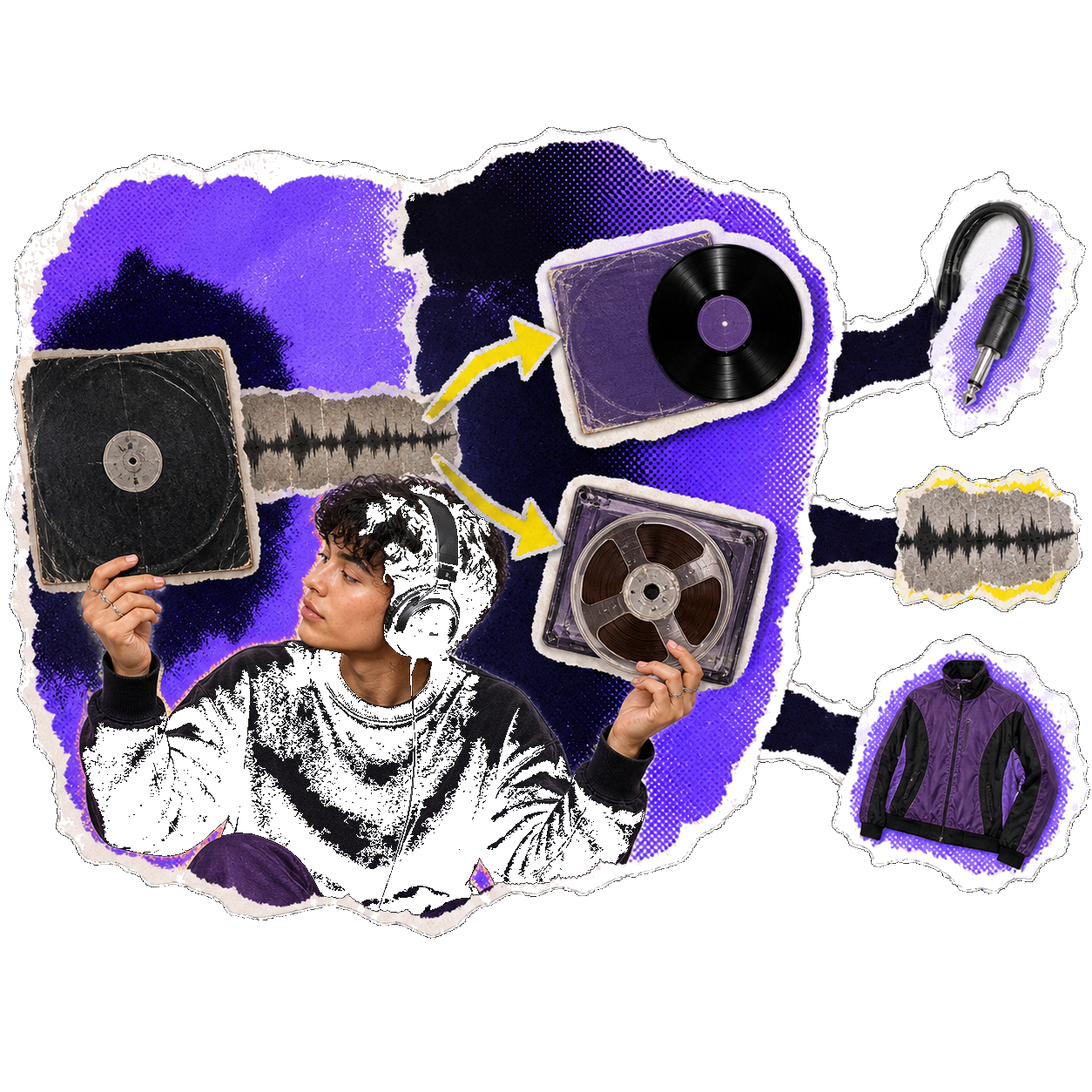
Open the source picker and select a compatible track from My Music. The current version works with supported songs created through MemoTune; it does not accept an arbitrary audio upload.
Choose Subtle for the closest match, Normal for a balanced refresh, or High for a more adventurous result. High can make instruments or vocals noticeably different, so use it when exploration matters more than exact preservation.
Start the remaster and wait for two versions to appear. Preview both against the source song, keep the one that improves the qualities you care about, or run another variation if neither version fits.
Remaster is most useful when the composition already works and you want alternative finishes without rewriting the song.
Use AI music remaster when a song has the right hook and arrangement but the mix, vocal clarity, or texture feels dated beside newer generations. Start with Subtle to preserve what already works.
Producers and creators can generate two interpretations from one source and compare balance, vocal presence, and instrumentation before choosing a direction. Normal is a practical starting point when you want change without a full reinvention.
Choose High when the song idea is strong but you are open to a more noticeable shift in vocals or instruments. It can reveal a new version worth keeping, although it may move further from the source than a traditional remaster would.

Musicians and creators share how AI remastering upgraded their existing tracks.
“I ran a batch of older AI tracks through the remaster tool. The difference in vocal punch and stereo depth made them sound like brand new studio masters.”
 Samad NimieIndie Pop Producer
Choose a compatible song from My Music, start with Subtle or Normal, and compare two source-guided versions before deciding what to keep.
Straight answers about supported songs, variation strength, AI mastering, and what the feature can and cannot change.
No. Traditional mastering processes the same recording with tools such as EQ, compression, limiting, and loudness control. MemoTune regenerates two new versions from a supported AI song, so performance or instrumentation details can change. Use it for alternate AI-song finishes, not exact delivery specifications for a studio master.
Your recent creations and history
Your recent creations and history