Sound Effects

AI Sound Effects Maker: Generate One-Shots and Loops From Text

Generate custom Foley, UI sounds, and ambient loops from text prompts. Studio-grade sound design ready in seconds for games, videos, and music.

AI Sound Effects Maker Features

Control the details that matter for production: prompt accuracy, duration, seamless looping, and delivery format.

Text-to-SFX in plain English

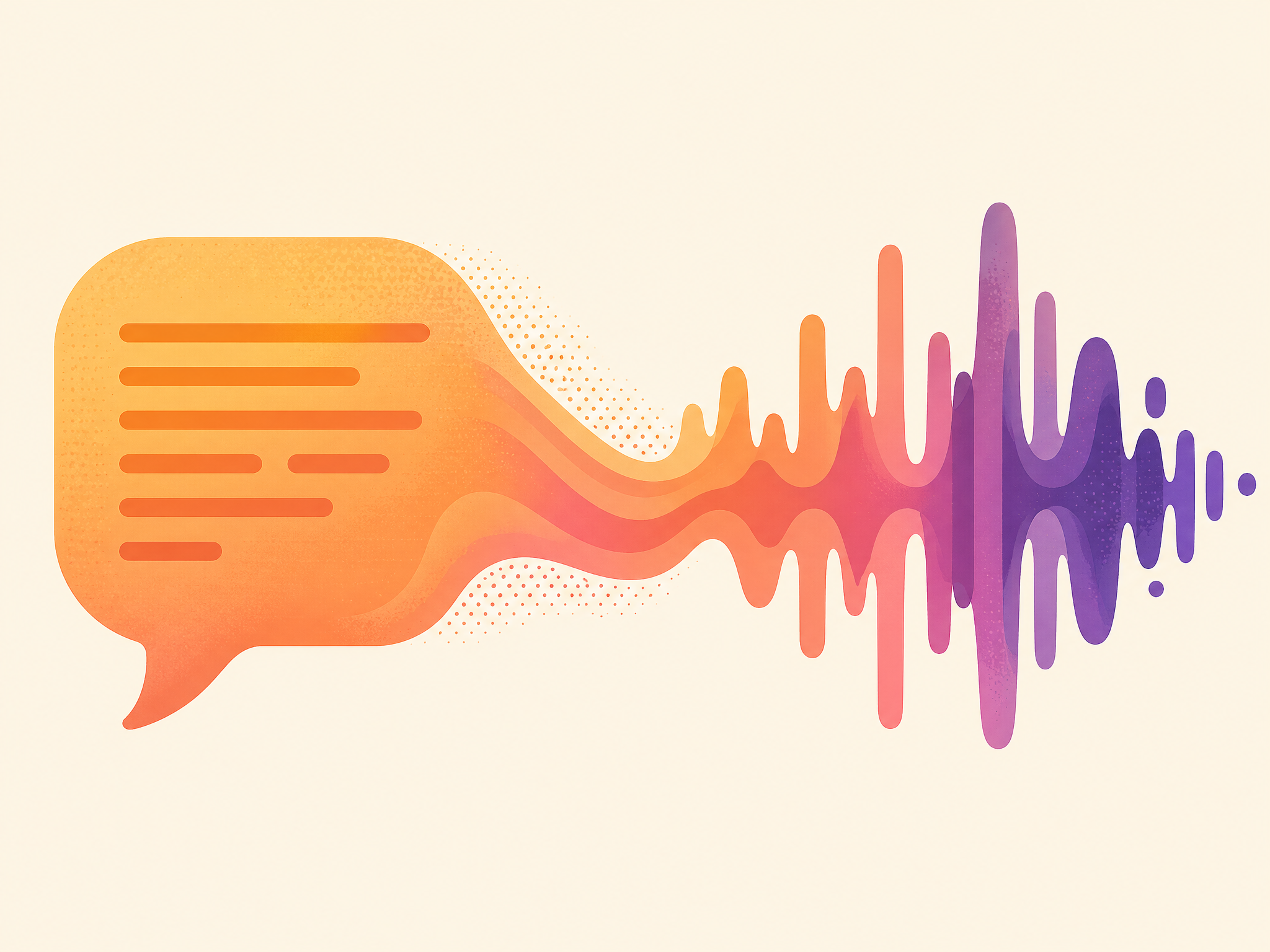
Describe the sound the way you'd brief a Foley artist — "heavy oak door creaking open in a stone hallway" — and the AI Sound Effects Maker generates it. Prompts up to 500 characters give you room for material, environment, and intent. Generate, preview, and iterate until the texture matches.
Hands typing a sound effect prompt at a backlit keyboard

One-shot and loop modes

One-shot for non-repeating events (UI clicks, impacts, stingers). Loop for tileable beds (rain, drones, arcade ambience). Pick the mode up front so the AI Sound Effects Maker shapes the tail differently — clean cutoffs for one-shots, seamless loop points for beds.

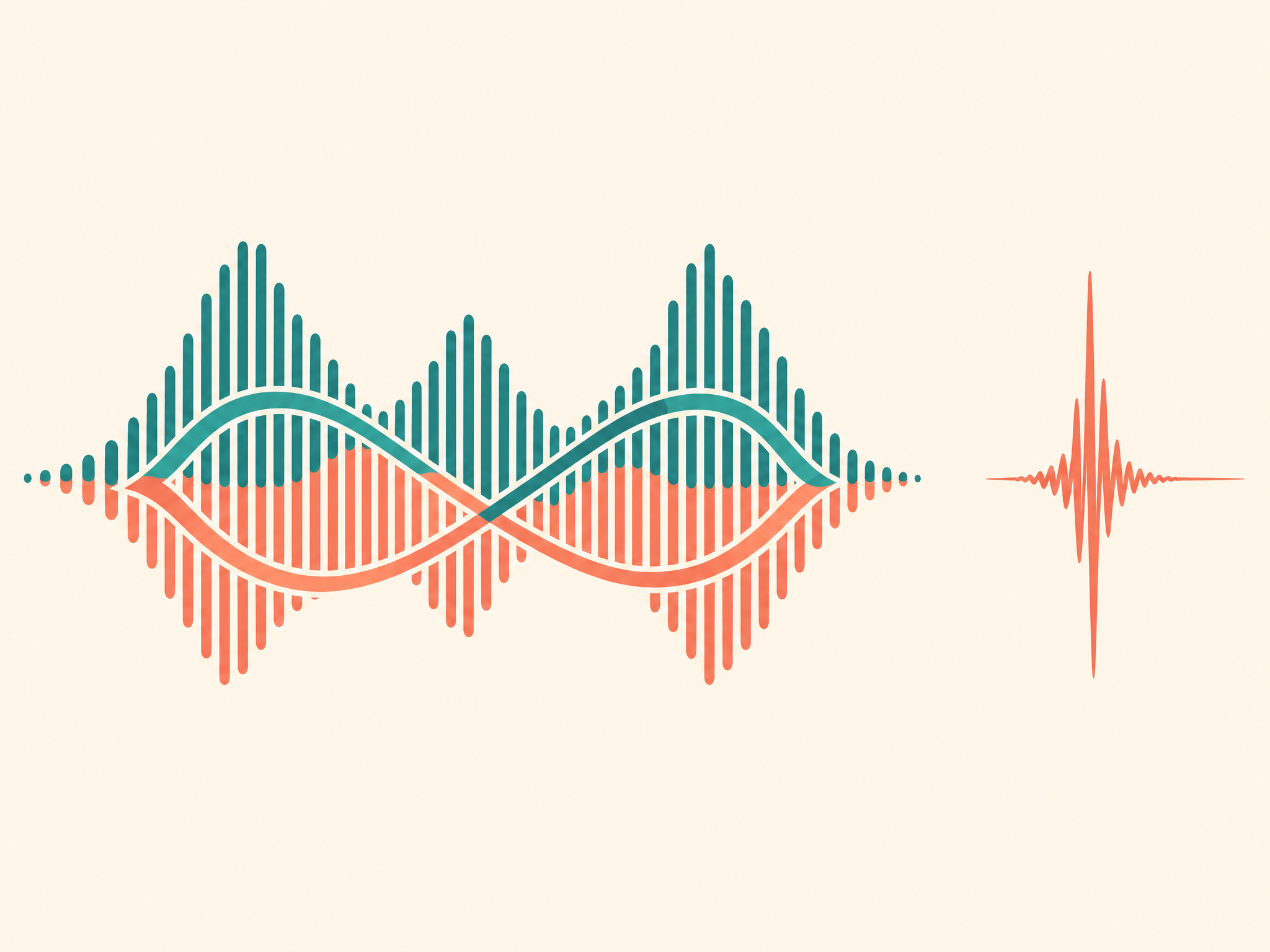
Looped audio waveform tiling seamlessly across a timeline

Duration and prompt control

Let the model choose the length or set 1–20 seconds. Adjust prompt influence from flexible variations to close adherence.

MP3 quality options

Choose 44.1 kHz MP3 from 32 to 192 kbps, or the compact 22.05 kHz / 32 kbps option, for reliable browser playback.

What Makes Our AI Sound Effects Maker Different?

Turn a written description into usable Foley, ambience, UI sounds, impacts, transitions, and loopable beds without searching a fixed stock library.

One-Shots & Seamless Loops

Generate punchy one-shot impacts or seamless environmental loops in seconds.

Precise Production Controls

Set exact sound duration from 1 to 20 seconds and adjust prompt influence.

Text Prompts, No Library Searching

Describe sounds in plain natural language.

Studio-Grade Audio Synthesis

Powered by advanced sound synthesis models.

How to Use AI Sound Effects Maker?

1. Describe the sound

Type what you want in plain language — material, environment, intent, mood. "Wet footstep on gravel," "sci-fi UI confirm chime," or "distant thunder loop with rain." The more specific the prompt, the closer the first take.

2. Choose generation settings

Optionally set a 1–20 second duration, adjust prompt influence, choose the output format, and enable seamless looping.

3. Generate and download MP3

Generate and preview the result in your browser. If it is close but not right, change one prompt detail or setting and generate again, then download the finished audio.

AI Sound Effects Maker Use Cases

If you need a specific sound and stock libraries don't have it, these are the workflows where an AI Sound Effects Maker pays for itself.

Game development (Foley + UI)

Create footsteps, weapon hits, menu clicks, ambience beds, and unusual cues. Generate a one-shot for an event or a seamless loop for a level, then download the MP3 for your project.

Video editing and short-form content

Generate transitions, impact stings, swooshes, and punch-up effects for jump cuts. Describe the sound, preview it, and download the MP3 for your timeline.

Podcast and audio drama production

Create scene transitions, atmospheric beds, and one-off Foley such as a coffee cup sliding across a table. Use loops under narration and one-shots to punctuate scene changes.

Layered portrait collage of a music creator

What Creators Say About Sound Effects Maker

Game developers, filmmakers, and video editors share how AI sound effects accelerated their sound design.

I needed 20 distinct sci-fi UI and laser sounds for our demo. Generated all of them in 15 minutes with text prompts. Quality is outstanding.

Luka HazardIndie Game Developer

Try the AI Sound Effects Maker for Free

Describe a sound, choose any optional generation settings, and create your first effect in under a minute. No signup is required for the trial.

Frequently Asked Questions

Duration, prompt influence, looping, formats, licensing, and pricing — the essentials before generating your first SFX.

Contact

You can generate UI clicks, cinematic impacts, Foley actions (footsteps, doors, cloth), environmental ambiances (rain, wind, city), and sci-fi/fantasy sound effects.